DropProof vs WhatsApp: Why Use Delivery Management Software Instead of WhatsApp?
WhatsApp is one of the easiest ways for businesses to communicate with drivers and customers.
A delivery team can create a group, share an order address, send a location, ask for an update, and receive a delivery photo—all within a few messages.
For a small operation, that may be enough.
But as delivery volume increases, WhatsApp conversations can become difficult to use as an operational system.
Messages get buried. Orders become difficult to track. Drivers need constant updates. Managers have limited visibility into routes. And finding proof of delivery later can become a manual process.
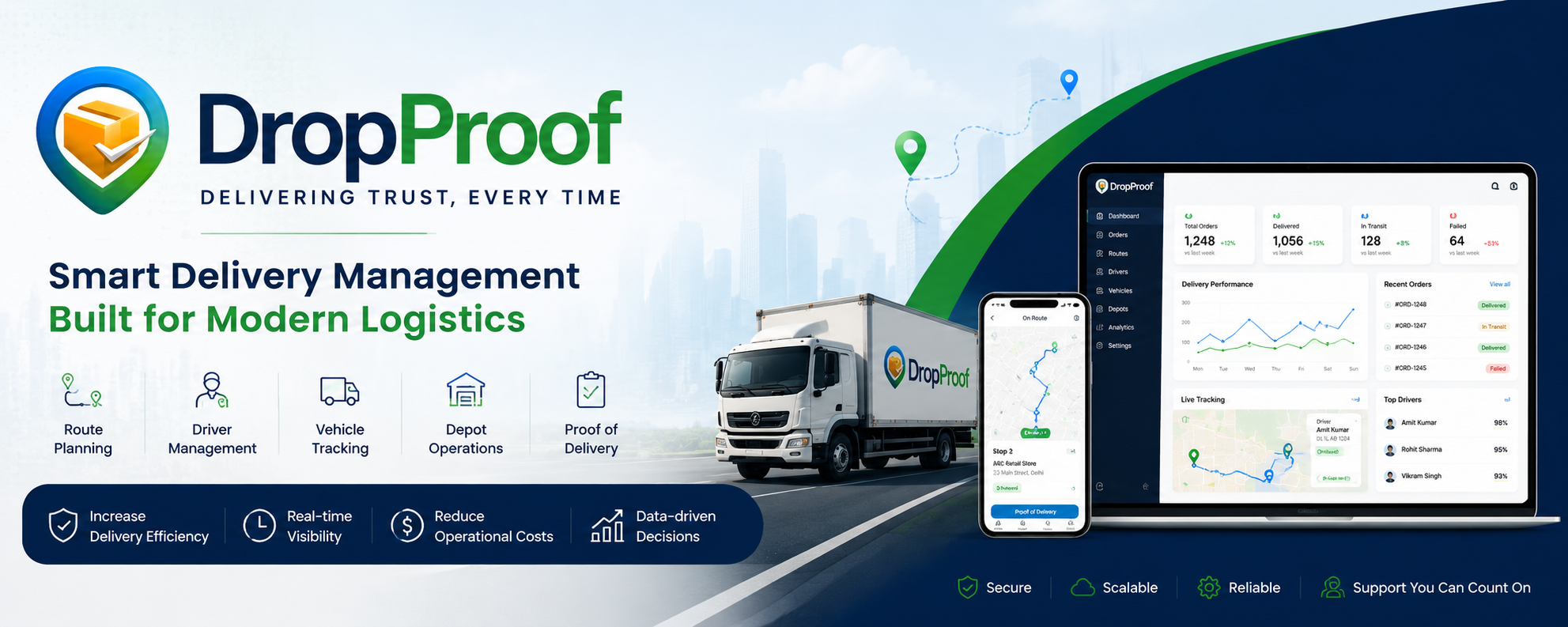
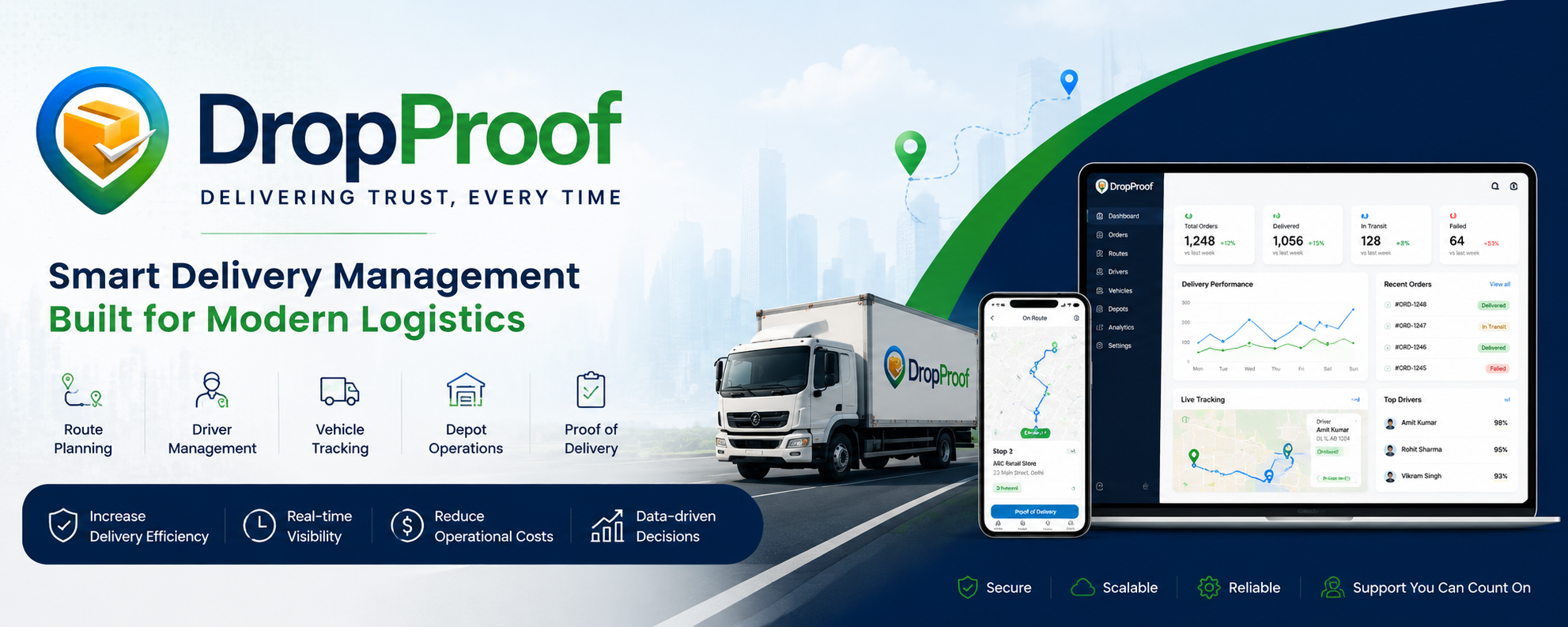
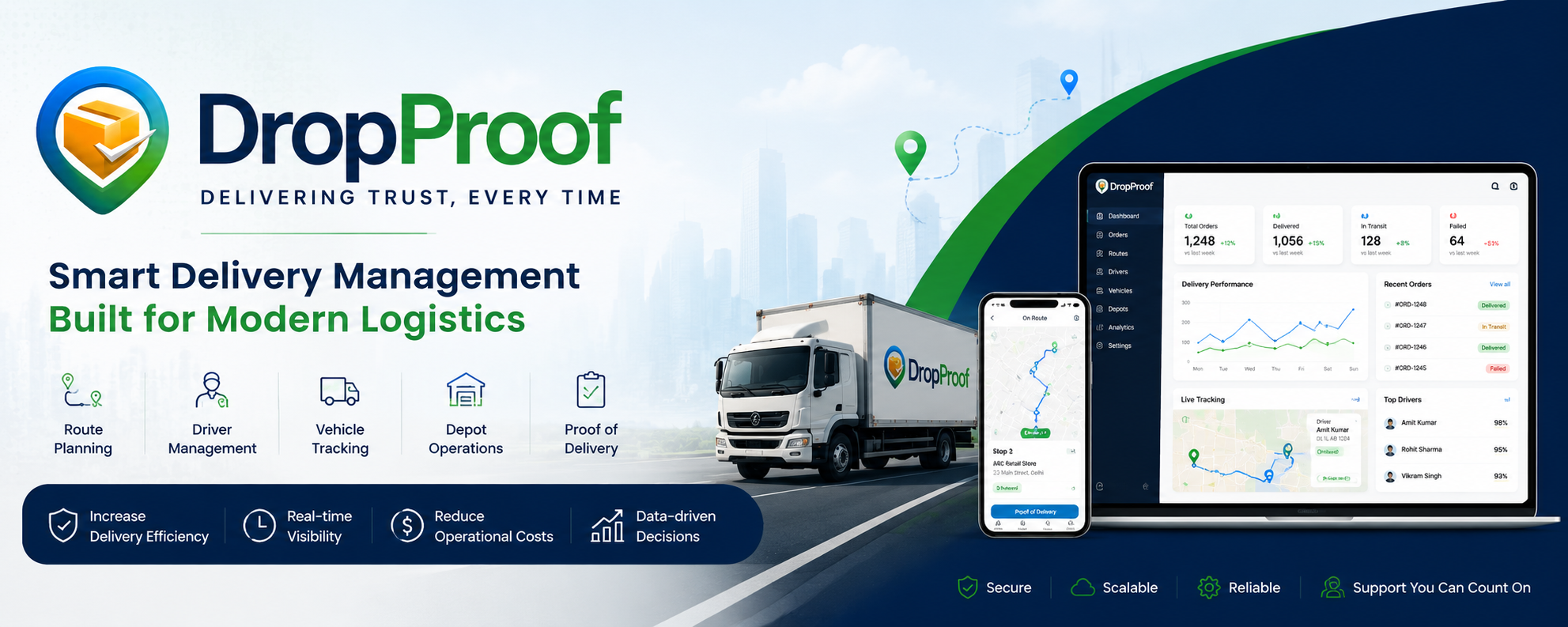
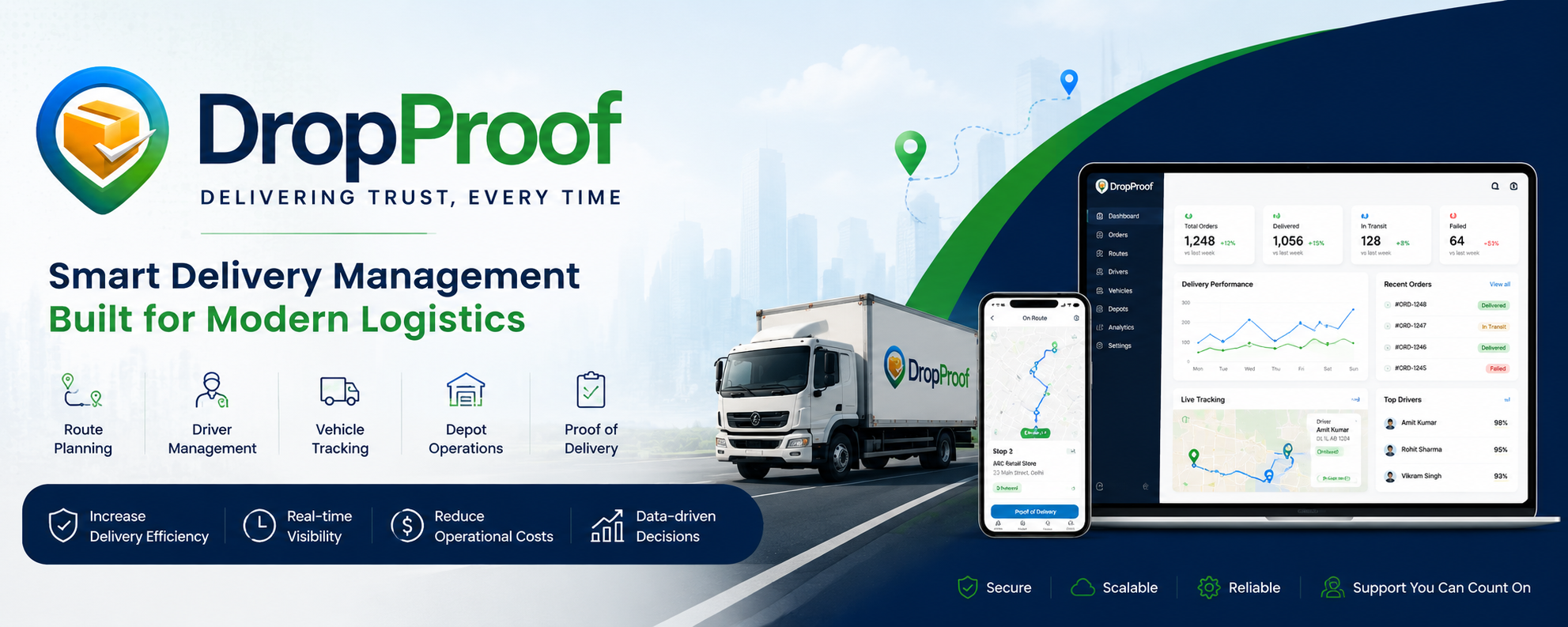
DropProof is built specifically for managing delivery operations, connecting orders, routes, drivers, vehicles, tracking, and digital proof of delivery in one system.
WhatsApp, meanwhile, is primarily a communication platform. WhatsApp Business provides business profiles, automated messages, labels, broadcasts, catalogs, customer conversations, and other communication tools.
DropProof vs WhatsApp at a Glance
| Capability | DropProof | |
|---|---|---|
| Order Management | ✅ | ⚠️ Messages |
| Route Planning | ✅ | ❌ |
| Route Optimization | ✅ | ❌ |
| Driver Assignment | ✅ | ⚠️ Manual |
| Driver Management | ✅ | ⚠️ Contacts/Groups |
| Real-Time Delivery Tracking | ✅ | ⚠️ Location Sharing |
| Driver App | ✅ | ❌ |
| Proof of Delivery | ✅ | ⚠️ Photos/Messages |
| Digital Signature | ✅ | ⚠️ Manual |
| GPS Verification | ✅ | ❌ |
| Vehicle Management | ✅ | ❌ |
| Depot Management | ✅ | ❌ |
| Delivery Status | ✅ | ⚠️ Messages |
| Centralized Delivery Records | ✅ | ❌ |
| Route History | ✅ | ❌ |
| Delivery Analytics | ✅ | ❌ |
| Customer Notifications | — | ✅ |
| Customer Conversations | — | ✅ |
| Business Messaging | — | ✅ |
| Automated Delivery Workflow | ✅ | ⚠️ With custom automation |
| Delivery Operations Dashboard | ✅ | ❌ |
WhatsApp Business and the WhatsApp Business Platform have different capabilities. WhatsApp supports customer messaging, notifications, automation and integrations, but it is not designed as a dedicated delivery-management system.
What Is DropProof?
DropProof is a delivery management platform designed to help logistics teams plan routes, manage operations, track deliveries, and verify completed deliveries.
The platform connects:
- Orders
- Routes
- Drivers
- Vehicles
- Depots
- Delivery tracking
- Driver workflows
- Proof of delivery
A typical workflow is:
Create Order → Plan Route → Assign Driver → Track Delivery → Complete Delivery → Capture POD
Instead of managing each part through separate conversations, the delivery operation is organized inside one system.
What Is WhatsApp?
WhatsApp is a messaging platform used by individuals and businesses to communicate with customers, employees, drivers, and other contacts.
WhatsApp Business adds business-focused capabilities such as:
- Business profiles
- Greeting messages
- Away messages
- Quick replies
- Labels
- Catalogs
- Broadcasts
- Customer conversations
- Multiple agents/devices on eligible setups
The WhatsApp Business Platform additionally allows businesses to programmatically send notifications, integrate WhatsApp with backend systems, and create automated conversational experiences.
So WhatsApp can be extremely useful alongside delivery software—but it doesn't replace the core delivery-management workflow by itself.
Order Management
A common WhatsApp-based workflow might look like:
"Order #1045 — 25 boxes — deliver to this address."
The driver may reply:
"Received."
Later:
"Delivered."
Then:
Photo attached
This works, but the information is spread across a conversation.
Finding a specific order later may require searching through messages.
DropProof
DropProof provides structured order management.
Teams can:
- Create orders
- Import orders in bulk
- Export orders
- View order details
- Manage statuses
- Assign orders to routes
Orders remain connected to their delivery workflow.
The difference
WhatsApp: Conversation-based order management.
DropProof: Structured operational order management.
Route Planning
This is one of the biggest differences.
WhatsApp can be used to send:
- Addresses
- Google Maps links
- Locations
- Instructions
But the dispatcher still has to determine:
Which driver gets which orders?
In what sequence?
What is the most efficient route?
Which stops should be grouped together?
DropProof
DropProof provides a dedicated route-planning workflow.
Operations teams can:
Create Route → Select Orders → Add Orders → Manage Stops → Assign Driver
The platform is designed specifically around route and delivery operations.
Bottom line
WhatsApp helps you communicate a route.
DropProof helps you manage the route.
Driver Assignment
A dispatcher might send a message:
"Rahul, take these 12 deliveries today."
Then send multiple addresses, screenshots, PDFs, or location pins.
As the number of drivers increases, this can become difficult to manage.
DropProof
Drivers can be managed from the delivery platform and assigned routes based on the operational workflow.
This gives the dispatcher a centralized view of:
Driver → Route → Orders → Stops
Real-Time Tracking
WhatsApp supports location sharing and messaging.
A driver can send their location or message:
"I'm at stop 8."
But this is not the same as having a dedicated delivery-tracking dashboard.
DropProof
DropProof provides real-time delivery visibility across:
- Drivers
- Routes
- Stops
- Delivery progress
- Order status
The platform is designed around operational tracking rather than conversations.
Proof of Delivery
This is another major difference.
A driver might send:
📸 Delivery photo
"Delivered."
Or send a picture of a signed paper document.
The problem is that the proof remains inside a conversation.
Finding it weeks later can be difficult.
DropProof
DropProof provides digital proof of delivery with:
- Photo
- Signature
- GPS verification
- Delivery status
The proof becomes part of the delivery record instead of simply being another WhatsApp attachment.
Delivery Status
With WhatsApp, delivery status might look like:
Driver: "On the way"
Driver: "Reached"
Driver: "Delivered"
Dispatcher: "Send POD"
Driver: Photo
This is a conversation.
With DropProof, delivery status is part of the structured delivery workflow.
You can see where orders and routes stand without scrolling through conversations.
Vehicle Management
WhatsApp isn't designed to manage a fleet.
You can create a group called:
"Vehicles — Delhi Depot"
But you're still relying on messages and spreadsheets to manage vehicle information.
DropProof provides a dedicated vehicle-management workflow where teams can maintain vehicle records alongside drivers and delivery operations.
Depot Management
A delivery operation with multiple depots can quickly become complicated.
With WhatsApp, teams might create separate groups:
- Delhi Depot
- Gurgaon Depot
- Noida Depot
- Ghaziabad Depot
But the messages don't automatically create a structured operational relationship between:
Depot → Orders → Routes → Drivers
DropProof provides a dedicated depot-management workflow so operational locations can be part of the delivery system.
Customer Communication
This is where WhatsApp is actually stronger.
WhatsApp Business is specifically designed for customer communication.
Businesses can use it for:
- Customer questions
- Order updates
- Notifications
- Support
- Promotions
- Automated messages
- Rich media
- Interactive messages
The WhatsApp Business Platform can also send order confirmations and shipment updates programmatically.
So the comparison shouldn't be:
DropProof replaces WhatsApp.
A better positioning is:
DropProof manages the delivery operation. WhatsApp can remain a communication channel for customers and drivers.
WhatsApp + DropProof Can Work Together
This is actually an important point for your page.
You don't necessarily have to choose one or the other.
A delivery company could use:
DropProof
For:
Orders → Routes → Drivers → Tracking → Delivery → POD
For:
Customer Communication → Support → Notifications → Conversations
WhatsApp's Business Platform is specifically designed to integrate messaging with backend systems and customer workflows.
That means a future integration could potentially allow delivery updates to be communicated through WhatsApp while DropProof remains the operational system.
When Is WhatsApp Enough?
WhatsApp may be enough if you have:
- Very few drivers
- Low delivery volume
- Simple delivery routes
- Few daily orders
- No need for detailed analytics
- Minimal POD requirements
- A highly manual operation
For a small business delivering a handful of orders each day, creating a WhatsApp group can be perfectly reasonable.
When Should You Move Beyond WhatsApp?
Consider a dedicated delivery platform when you start experiencing:
- Too many WhatsApp groups
- Orders getting lost in conversations
- Drivers missing delivery instructions
- Difficulty tracking active deliveries
- Manual route planning
- Repeated customer calls asking for ETAs
- Missing proof of delivery
- Difficulty finding old delivery records
- Increasing administrative work
- Multiple depots
- Growing driver teams
- Hundreds or thousands of deliveries
At that point, WhatsApp becomes a communication tool trying to perform the job of an operations platform.
DropProof vs WhatsApp: Who Should Use What?
Use WhatsApp if you primarily need:
- Customer communication
- Driver communication
- Quick updates
- Simple notifications
- Customer support
- Conversations
- Basic sharing of locations and photos
WhatsApp Business is specifically built around customer communication and engagement.
Use DropProof if you need:
- Order management
- Route planning
- Driver assignment
- Driver management
- Vehicle management
- Depot management
- Real-time tracking
- Delivery status
- Digital proof of delivery
- Operational visibility
- Delivery analytics
DropProof is specifically designed around these delivery workflows.
Final Verdict
WhatsApp is excellent for communication. DropProof is designed for delivery operations.
WhatsApp can help a dispatcher say:
"Rahul, deliver these 10 orders today."
DropProof helps the business manage the complete workflow:
Order → Route → Driver → Tracking → Delivery → Proof
The two tools don't necessarily need to compete.
A modern delivery operation can use DropProof as the operational system and WhatsApp as a customer communication channel.
If you're currently managing deliveries through WhatsApp groups, spreadsheets, location pins, photos, and manual updates, DropProof can help turn that fragmented process into a structured delivery workflow.
Ready to move beyond WhatsApp-based delivery management?
Plan smarter. Manage deliveries. Track operations. Capture digital proof.
[Book a Demo] | [Explore DropProof]