DropProof vs Paper POD: Why Switch to Digital Proof of Delivery?
Paper proof of delivery has been used by delivery businesses for decades. A driver delivers an order, collects a signature on a physical document, and returns the paperwork to the office.
For small delivery operations, this process can still work.
But as delivery volume increases, paper POD can create operational challenges. Documents can be misplaced, handwriting can be difficult to read, and the back office may have to wait until the driver returns before accessing the completed delivery record.
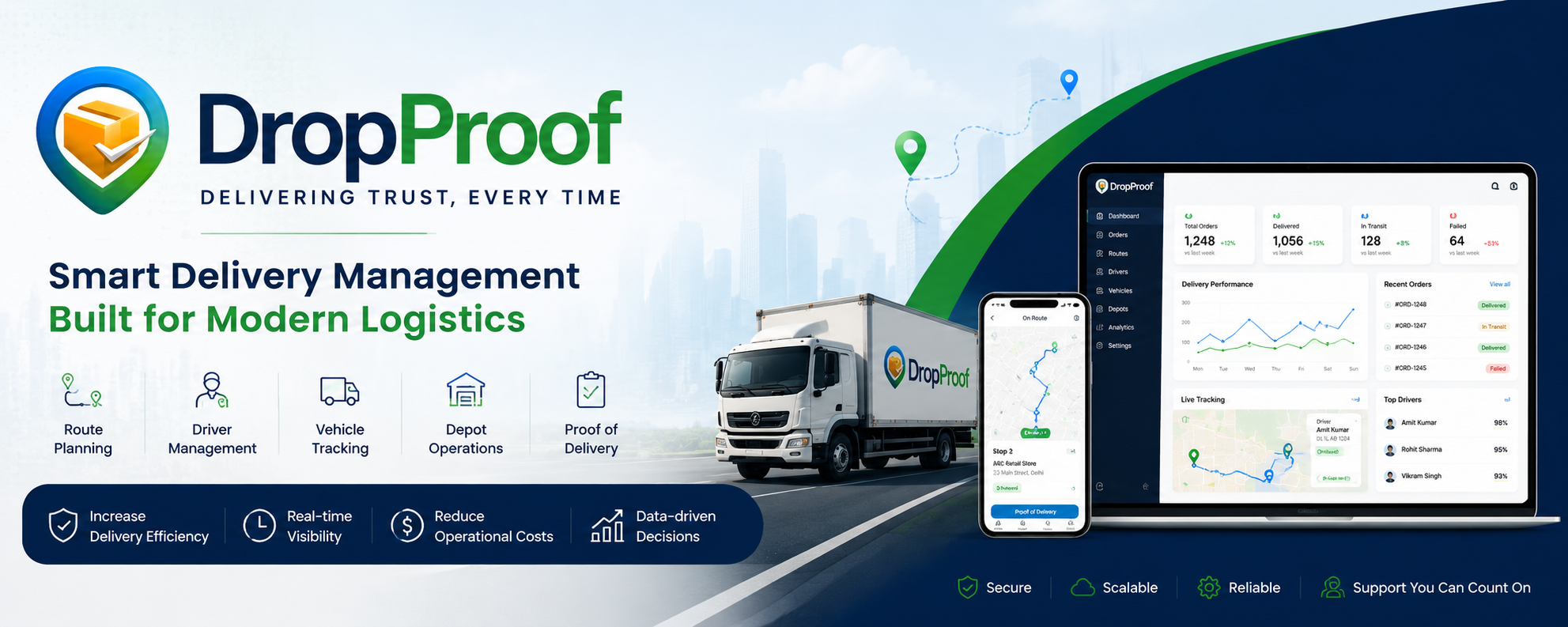
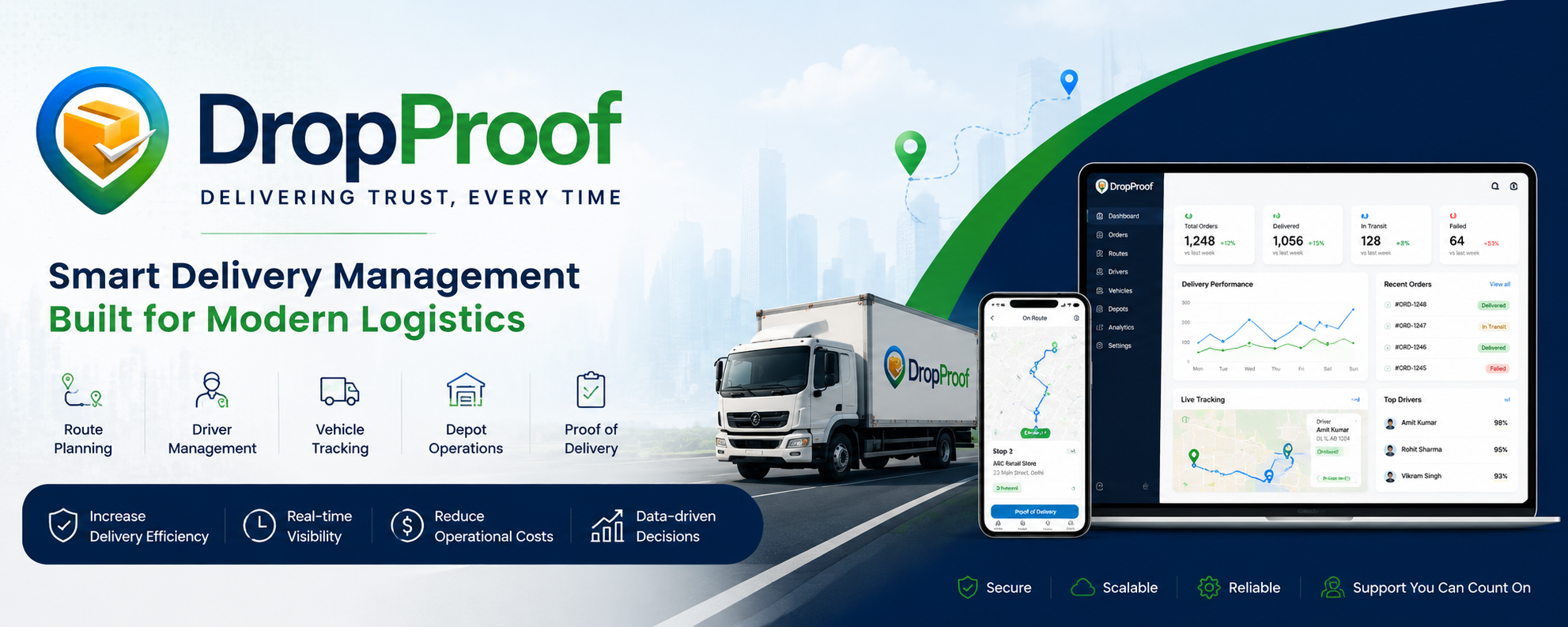
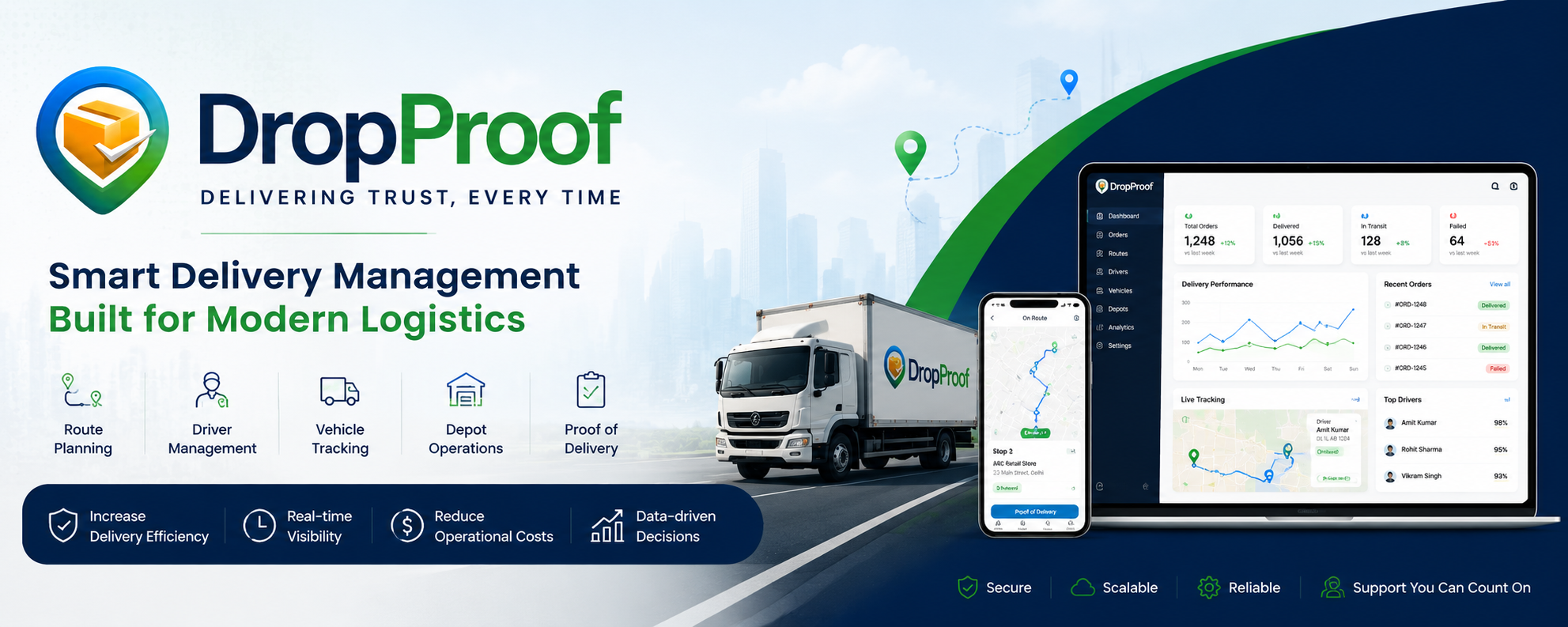
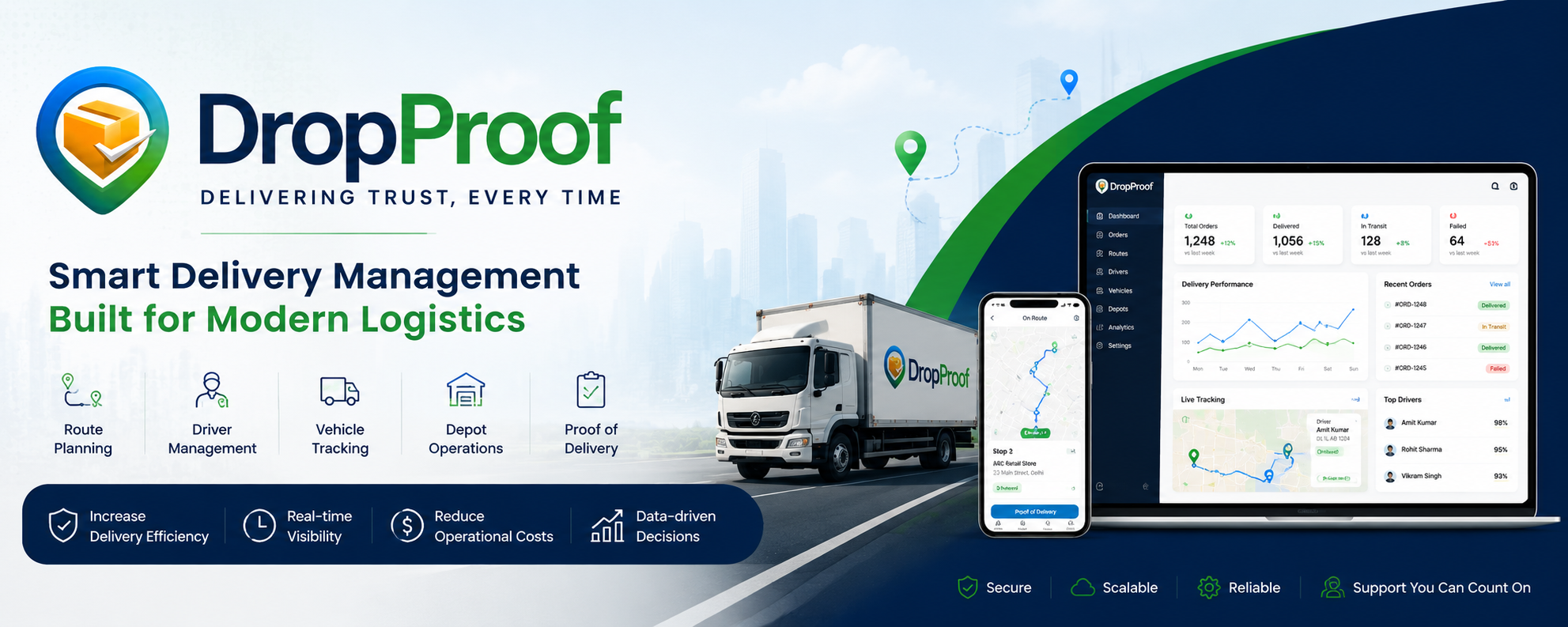
DropProof digitizes the delivery workflow, allowing teams to manage routes, drivers, deliveries, and digital proof of delivery from one platform. DropProof supports POD with photo, signature, and GPS verification.
Instead of:
Deliver → Sign Paper → Return Paper → Process → File
DropProof enables:
Deliver → Capture Proof → Verify → Store Digitally → Access
DropProof vs Paper POD at a Glance
| Capability | DropProof | Paper POD |
|---|---|---|
| Digital Proof of Delivery | ✅ | ❌ |
| Paper Documents | ❌ | ✅ |
| Digital Signature | ✅ | ❌ |
| Delivery Photo | ✅ | ⚠️ Separate process |
| GPS Verification | ✅ | ❌ |
| Delivery Timestamp | ✅ | ⚠️ On paper |
| Delivery Notes | ✅ | ✅ |
| Real-Time Delivery Visibility | ✅ | ❌ |
| Centralized POD Records | ✅ | ⚠️ Physical filing |
| Easy POD Search | ✅ | ❌ |
| Driver Mobile Workflow | ✅ | ❌ |
| Route Management | ✅ | ❌ |
| Delivery Status Tracking | ✅ | ⚠️ Manual |
| Digital Delivery History | ✅ | ❌ |
| Manual Data Entry | Reduced | Higher |
| Risk of Lost Documents | Lower | Higher |
| Immediate Access to POD | ✅ | ❌ |
What Is Paper POD?
Paper POD is the traditional method of confirming a delivery.
The typical workflow is:
Driver Receives Delivery Note → Completes Delivery → Customer Signs → Driver Keeps Paper → Paper Returns to Office → Staff Process and File It
The signed document acts as evidence that the delivery was completed.
Paper POD remains useful in some industries and situations, particularly where physical documentation or signatures are required. However, physical documents can be lost, damaged, difficult to read, or slow to retrieve.
What Is DropProof?
DropProof is a delivery management platform designed to help teams plan routes, manage drivers, track deliveries, and verify completed deliveries.
The delivery workflow can connect:
Orders → Routes → Drivers → Tracking → Delivery → Proof of Delivery
Instead of treating POD as a separate paper process, DropProof makes it part of the delivery workflow.
Paper POD vs DropProof: The Delivery Workflow
Traditional Paper POD
1. Driver receives paperwork
The driver starts the route with physical delivery documents.
2. Driver reaches the customer
The order is delivered.
3. Customer signs the document
The recipient provides a handwritten signature.
4. Driver stores the document
The physical POD remains with the driver.
5. Driver returns
The paperwork eventually reaches the depot or office.
6. Office processes the document
Staff may need to review, scan, enter, and file the information.
7. POD is stored
The company needs to retain the physical document and locate it later when required.
This creates a delay between delivery completion and office visibility.
DropProof Digital POD Workflow
With DropProof:
1. Driver receives the route
The driver gets the assigned route and delivery stops.
2. Driver navigates to the stop
The driver accesses the delivery information.
3. Delivery is completed
The customer receives the order.
4. Driver captures proof
The driver can capture:
- 📸 Photo
- ✍️ Signature
- 📝 Delivery notes
- 📍 GPS verification
- ✅ Delivery status
DropProof specifically lists photo, signature, and GPS verification as part of its digital POD capability.
5. Delivery record is stored digitally
The proof becomes part of the delivery record.
6. Operations gets visibility
The delivery status can be viewed through the delivery-management workflow.
7. POD can be retrieved digitally
No physical filing cabinet is required to locate the delivery record.
1. Eliminate Paperwork
Paper POD requires physical documents to move between the driver and office.
That creates additional handling:
Print → Carry → Sign → Store → Return → File
With DropProof, POD can be captured digitally at the delivery location.
This reduces dependence on paper forms and manual document handling.
2. Faster Access to Proof
With paper POD, the office may have to wait for the driver to return before the document is available.
This can become especially problematic when drivers are:
- On long routes
- Working across multiple depots
- Returning late
- Working across multiple days
Digital POD changes the process by capturing delivery evidence electronically at the point of delivery.
3. Reduce Lost PODs
Paper can be:
- Lost
- Damaged
- Misfiled
- Left inside a vehicle
- Difficult to locate
Industry guidance highlights lost physical documents as one of the common weaknesses of paper POD workflows.
With DropProof, delivery proof is stored digitally rather than depending on a physical sheet returning to the office.
4. Better Delivery Evidence
A paper signature primarily provides recipient acknowledgment.
Digital POD can combine multiple types of evidence.
DropProof supports:
Photo + Signature + GPS Verification
This creates a richer delivery record than a standalone handwritten signature.
5. GPS-Verified Delivery
A paper document doesn't automatically show where the delivery was completed.
DropProof's POD workflow includes GPS verification.
This can provide additional context when reviewing:
- Delivery disputes
- Incorrect addresses
- Customer claims
- Delivery exceptions
6. Photo Proof
A handwritten signature confirms that someone signed the document.
A photo can provide additional visual context about the delivery.
For example:
Where was the package left?
What condition was it in?
Was the delivery completed at the expected location?
Digital POD systems can combine photos with timestamps and location information to provide stronger delivery evidence.
7. Easier Dispute Resolution
Consider a customer saying:
"We never received the order."
With paper POD, someone may need to locate the original document.
With DropProof, the business can access the digital delivery record and review the available evidence.
Depending on the delivery record, this can include:
- Signature
- Photo
- GPS information
- Delivery status
- Delivery time
This can make investigating delivery disputes faster and more organized.
8. Reduce Manual Data Entry
Paper POD often requires information to be manually transferred from the physical document into another system.
That can introduce:
- Typing errors
- Handwriting interpretation
- Duplicate work
- Administrative overhead
Digital POD captures delivery information electronically, reducing the need to re-enter the same information manually.
9. Centralized Delivery Records
With paper:
One delivery = One physical document
With DropProof:
One delivery = One digital delivery record
This makes it easier for operations teams to organize delivery information alongside the associated order, route, driver, and POD.
10. Connect POD With Delivery Operations
This is one of the biggest differences.
Paper POD is primarily a delivery confirmation document.
DropProof connects proof of delivery to the larger operational workflow:
Order → Route → Driver → Stop → Delivery → POD
That means POD isn't sitting separately from the delivery operation.
It's part of it.
Paper POD vs DropProof: Operational Impact
| Area | Paper POD | DropProof |
|---|---|---|
| Delivery Confirmation | Physical signature | Digital confirmation |
| Evidence | Mainly document/signature | Photo + signature + GPS |
| Access | After paperwork reaches office | Digital |
| Storage | Physical files | Digital records |
| Search | Manual | Digital |
| Driver Workflow | Paper-based | Mobile workflow |
| Delivery Visibility | Limited | Real-time operational visibility |
| Dispute Handling | Find physical document | Review digital record |
| Data Entry | Often manual | Digital capture |
| Scalability | Increasing paperwork | Digital workflow |
Is Paper POD Always Bad?
No.
Paper POD can still make sense for certain businesses.
For example:
- Low delivery volumes
- Customers requiring physical documents
- Regulated paperwork
- Businesses with simple delivery operations
- Situations where digital adoption isn't practical
In some cases, a physical signature may still be required depending on the contract, industry, or legal process.
So the goal isn't necessarily to eliminate paper in every scenario.
The goal is to eliminate paper where it creates unnecessary operational friction.
When Should You Move From Paper POD to DropProof?
A business should consider digital POD when it starts experiencing:
- Missing delivery documents
- Delayed POD retrieval
- Increasing paperwork
- Manual data entry
- Delivery disputes
- Multiple drivers
- Multiple routes
- Multiple depots
- Growing delivery volumes
- Customers asking for immediate delivery confirmation
As delivery volume increases, physical POD creates more documents to print, carry, process, store, and retrieve.
Who Is DropProof Best For?
🚚 Logistics Companies
Manage routes, drivers, deliveries, and digital POD from one platform.
📦 Distribution Businesses
Replace physical delivery paperwork with a digital workflow.
🛒 E-commerce Delivery Teams
Track deliveries and capture digital evidence.
🏭 FMCG & Wholesale Distribution
Manage high-volume delivery operations with centralized delivery records.
🚛 Growing Delivery Fleets
Move from paper-heavy processes to a structured digital delivery workflow.
DropProof vs Paper POD: Which Should You Choose?
Choose Paper POD if:
- Your delivery volume is very low
- Physical documents are required
- Customers specifically require wet signatures
- Your operation depends on physical documentation
- Digital workflows aren't practical for your business
Choose DropProof if you need:
- Digital proof of delivery
- Digital signatures
- Delivery photos
- GPS verification
- Centralized POD records
- Faster access to delivery evidence
- Real-time delivery visibility
- Driver mobile workflows
- Route management
- Less paperwork
- Better operational visibility
Final Verdict
Paper POD isn't broken—it simply wasn't designed for highly connected, real-time delivery operations.
The traditional process depends on a physical document moving from the customer to the driver and eventually back to the office. That creates a natural delay and introduces risks around loss, storage, handwriting, and retrieval.
DropProof turns POD into a digital part of the delivery workflow:
Deliver → Capture → Verify → Store → Access
With photo, signature, and GPS verification, DropProof gives delivery teams more than a piece of signed paper—it gives them a digital delivery record connected to their operations.
Ready to move beyond paper POD?
Plan smarter. Track deliveries. Capture digital proof.
[Book a Demo] | [Explore DropProof]