DropProof vs Manual POD: Why Digital Proof of Delivery Is Better for Modern Delivery Operations
For many delivery businesses, proof of delivery still means paper forms, handwritten signatures, delivery notes, and paperwork returned to the office after the route is complete.
That process can work for a small number of deliveries, but as delivery volume grows, manually managing POD can create delays, administrative work, missing documents, and limited visibility.
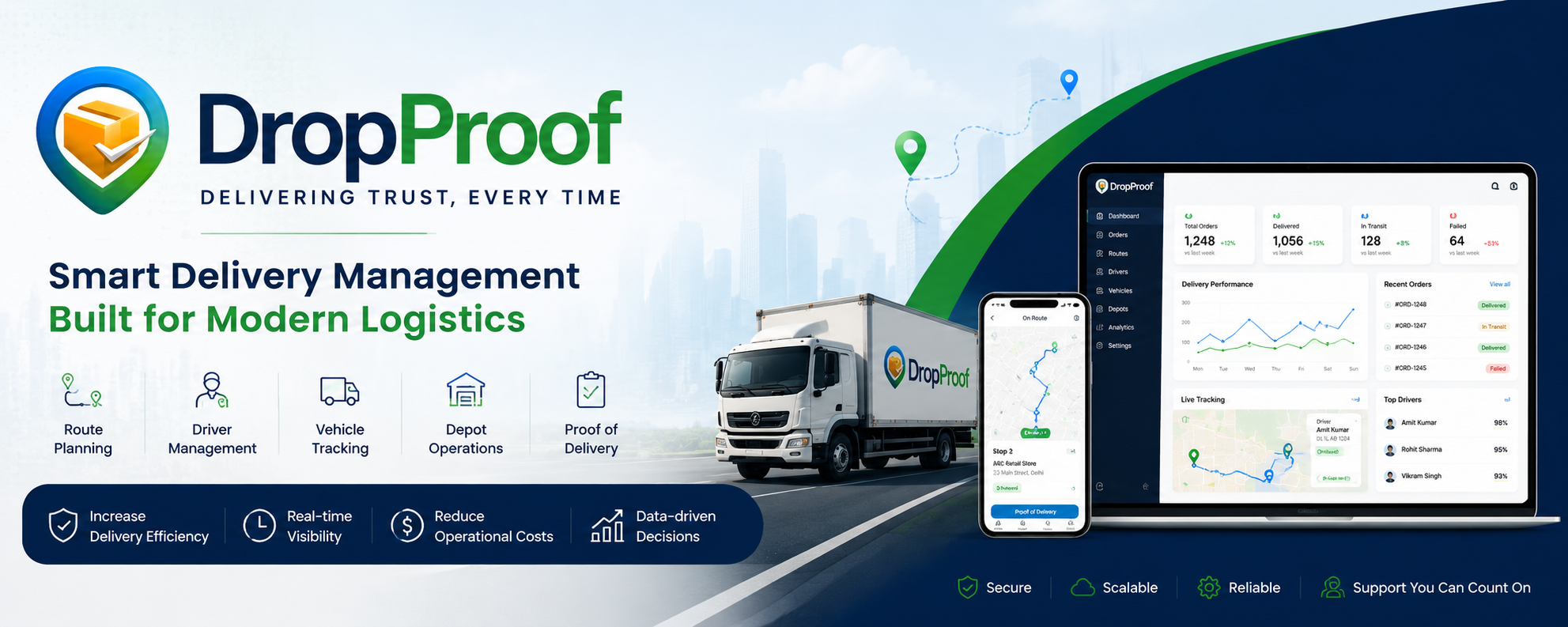
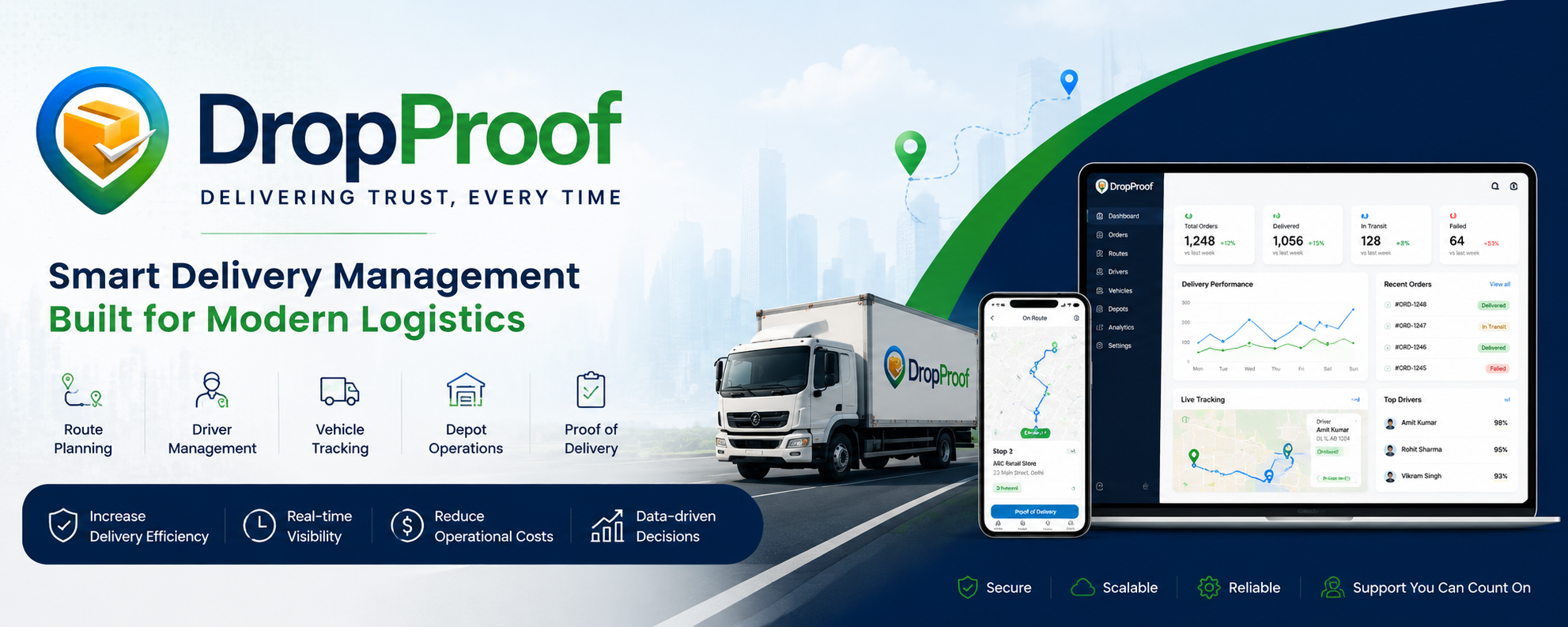
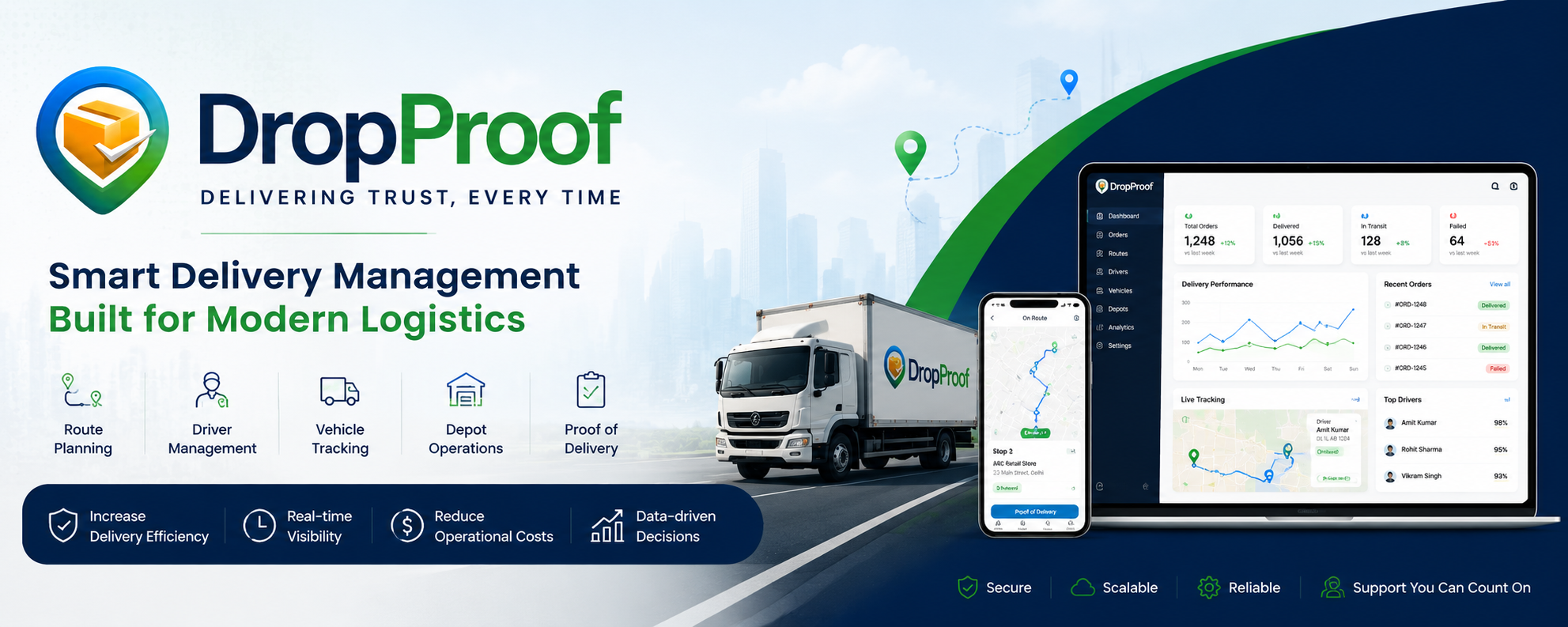
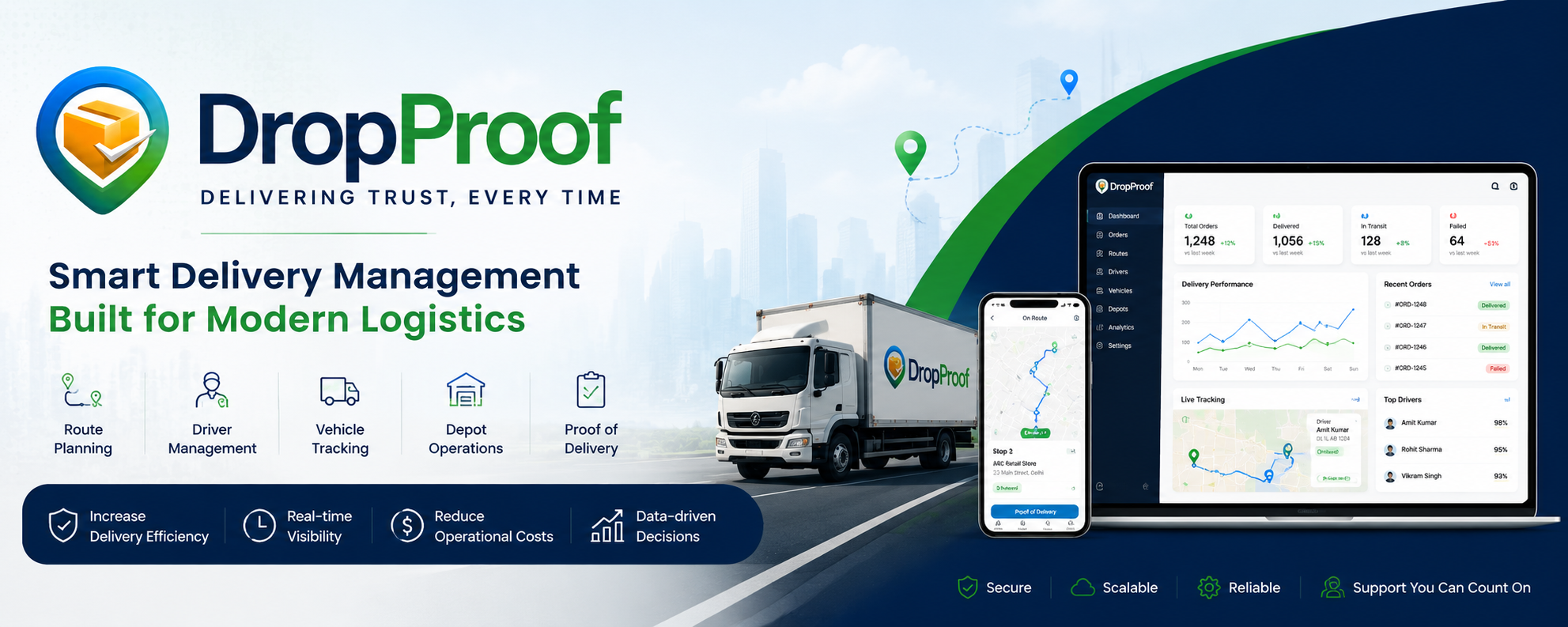
DropProof digitizes the delivery workflow, allowing drivers to capture proof of delivery digitally while giving operations teams access to delivery information through a centralized system.
Instead of:
Deliver → Collect Paper → Return to Office → Sort → Enter Data → Store
DropProof enables:
Deliver → Capture POD → Sync → Verify → Access Digitally
Paper-based POD can be time-consuming and difficult to store and retrieve, while electronic POD can provide faster access and more reliable digital records.
DropProof vs Manual POD at a Glance
| Capability | DropProof | Manual POD |
|---|---|---|
| Digital Delivery Confirmation | ✅ | ❌ |
| Paperwork Required | ❌ | ✅ |
| Digital Signature | ✅ | ❌ |
| Delivery Photos | ✅ | ⚠️ Manual |
| GPS Verification | ✅ | ❌ |
| Delivery Timestamp | ✅ | ⚠️ Manual |
| Delivery Notes | ✅ | ✅ |
| Real-Time Delivery Visibility | ✅ | ❌ |
| Centralized POD Records | ✅ | ⚠️ Physical storage |
| Easy POD Retrieval | ✅ | ❌ |
| Driver Mobile Workflow | ✅ | ❌ |
| Route Tracking | ✅ | ❌ |
| Delivery Status Updates | ✅ | ⚠️ Manual |
| Digital Delivery History | ✅ | ❌ |
| Automated Data Sync | ✅ | ❌ |
| Reduced Paperwork | ✅ | ❌ |
What Is Manual POD?
Manual proof of delivery generally involves the driver delivering an order and collecting a physical signature or completed delivery document from the recipient.
The driver may then keep the paperwork until returning to the depot or office.
The traditional workflow can look like:
Order Delivered → Customer Signs Paper → Driver Stores Document → Driver Returns → Office Collects Paper → Data Entered → Document Filed
Paper POD is still used in many delivery operations, particularly where physical signatures or documents remain part of the process. However, it can become difficult to manage as delivery volumes increase.
What Is Digital POD?
Digital proof of delivery replaces or supplements physical paperwork with digitally captured delivery evidence.
Depending on the workflow, this can include:
- Digital signatures
- Delivery photos
- GPS location
- Timestamp
- Delivery notes
- Delivery status
- Order information
The information can then be stored digitally and accessed by authorized users.
DropProof provides digital proof of delivery with photo, signature, and GPS verification as part of its delivery-management workflow.
Manual POD vs DropProof: The Delivery Workflow
Manual POD
The traditional process often looks like:
1. Driver receives paperwork
The driver starts the route with physical delivery documents.
2. Delivery is completed
The driver reaches the customer's location.
3. Customer signs
The recipient signs the physical delivery document.
4. Driver stores the document
The paper needs to remain with the driver until it reaches the office.
5. Paper returns to the office
The delivery record may not be available to the back office until the paperwork comes back.
6. Staff process the paperwork
Someone may need to review, enter, scan, or file the information.
7. Document is stored
The business needs to retain and organize the physical record.
This creates a dependency on physical documents and manual processing. Paper POD can introduce issues such as illegible handwriting, missing documents, and delayed access to delivery information.
DropProof Digital POD Workflow
With DropProof, the workflow becomes:
1. Driver receives assigned route
The driver gets the assigned delivery route and stops through the driver workflow.
2. Driver navigates to the stop
The driver can access delivery information and navigate to the destination.
3. Delivery is completed
The driver completes the delivery.
4. Capture proof
The driver can capture supported proof such as:
- Photo
- Signature
- Delivery notes
- Delivery status
5. Delivery information is recorded
The delivery record is stored digitally along with the available verification information.
6. Operations team gets visibility
The delivery status becomes part of the centralized operational workflow.
7. POD can be accessed digitally
Instead of searching through physical paperwork, the delivery record can be retrieved through the system.
1. No More Paperwork
One of the simplest advantages of digital POD is eliminating unnecessary physical paperwork.
With manual POD, drivers may need to carry and manage delivery documents throughout the day.
With DropProof, proof can be captured digitally through the driver's workflow.
This reduces dependence on:
- Paper forms
- Clipboards
- Physical signatures
- Manual filing
- Scanning documents
Paper-based processes can become increasingly difficult to manage as delivery volume grows.
2. Digital Signatures
Instead of collecting a handwritten signature on paper, DropProof can capture a digital signature as part of the delivery confirmation workflow.
This creates a digital delivery record that can be accessed alongside the rest of the delivery information.
3. Photo Proof of Delivery
A paper signature tells you that someone signed for the delivery.
A delivery photo can provide additional visual evidence.
With DropProof, drivers can capture delivery photos as part of the POD workflow.
This can be useful for deliveries where the condition or placement of the goods matters.
4. GPS Verification
Manual paperwork doesn't inherently tell your operations team where the delivery was completed.
DropProof's digital POD workflow includes GPS verification, connecting the delivery record with location information.
This can provide additional context when reviewing a completed delivery.
5. Faster Access to Delivery Records
With paper POD, the delivery document may remain with the driver until the route is completed.
That creates a delay between:
Delivery Completed → Office Receives POD
With a digital workflow, delivery information can be captured electronically instead.
Paper-based POD can delay downstream activities because information may not reach the back office until physical documents return.
6. Easier POD Retrieval
Imagine a customer calls:
"Can you prove this order was delivered?"
With manual POD, someone may need to search through:
- Filing cabinets
- Folders
- Scanned documents
- Driver paperwork
With DropProof, the delivery record can be accessed digitally through the system.
This makes it easier for teams to find delivery information when investigating disputes or customer questions.
7. Better Delivery Visibility
Manual POD primarily confirms that a delivery happened.
It doesn't provide a complete operational view of what is happening during the route.
DropProof goes beyond POD.
It combines:
Orders + Routes + Drivers + Tracking + Delivery Status + POD
This means the business can see more of the delivery lifecycle rather than only receiving paperwork after the route.
8. Less Administrative Work
Manual POD creates work after the driver returns.
Someone may need to:
- Collect paperwork
- Check signatures
- Enter information
- Scan documents
- File documents
- Search for documents later
Digital POD reduces the amount of manual document handling required.
Paper-based POD is associated with repetitive administrative work and data-entry challenges, especially at higher delivery volumes.
9. Better Dispute Resolution
Delivery disputes can become expensive when the business cannot quickly produce evidence.
Common questions include:
"Was the order delivered?"
"When was it delivered?"
"Where was it delivered?"
"Who received it?"
"Was there any delivery evidence?"
Digital POD can bring together delivery evidence such as photos, signatures, timestamps, and location information, depending on the workflow.
That gives operations teams more information when reviewing delivery disputes.
10. Connect POD With the Entire Delivery Operation
This is where DropProof goes beyond simply being a POD tool.
A manual POD process mainly answers:
"Did we get a signature?"
DropProof is designed to manage the broader workflow:
"What was delivered, where was it delivered, who delivered it, when did it happen, and what proof do we have?"
The platform connects:
📦 Orders
↓
🗺️ Routes
↓
🚚 Drivers
↓
📍 Tracking
↓
📦 Delivery
↓
✅ Proof of Delivery
Manual POD vs DropProof: Cost of the Process
The biggest cost of manual POD isn't necessarily the paper itself.
It's the time and operational friction around the paper.
For example:
Driver time
→ Filling documents
→ Collecting signatures
→ Managing paperwork
Office time
→ Collecting documents
→ Checking records
→ Entering information
→ Filing paperwork
Management time
→ Finding PODs
→ Handling disputes
→ Investigating missing documents
Business impact
→ Delayed information
→ Slower dispute resolution
→ Less operational visibility
Paper-based POD can make billing, claims, and reporting slower because delivery information is not immediately available to the back office.
When Does Manual POD Still Make Sense?
Manual POD isn't necessarily wrong for every business.
It can still make sense when:
- Delivery volumes are very low
- Physical signatures are contractually required
- Drivers have limited access to digital tools
- The business operates with very simple delivery workflows
- Customers specifically require paper documentation
However, as delivery volumes increase, managing physical documents becomes increasingly difficult.
When Should You Move to Digital POD?
Consider moving to digital POD when your operation experiences:
- Hundreds or thousands of deliveries
- Frequent delivery disputes
- Missing paperwork
- Delayed POD retrieval
- High administrative workload
- Multiple drivers
- Multiple depots
- Limited visibility into active deliveries
- Manual delivery-status updates
Digital POD is particularly useful when businesses want delivery evidence to become part of the operational system rather than a separate paper process.
Who Is DropProof Best For?
DropProof can be useful for:
🚚 Logistics Companies
Digitize delivery execution and proof of delivery.
📦 Distribution Businesses
Manage recurring deliveries and digital delivery records.
🛒 E-commerce Delivery Teams
Track deliveries and capture digital proof.
🏭 FMCG & Wholesale Distribution
Manage high-volume delivery operations.
🚛 Growing Delivery Fleets
Replace disconnected paperwork with a centralized workflow.
DropProof vs Manual POD: Which Should You Choose?
Choose Manual POD if:
- Your delivery volume is very small
- Customers require physical documentation
- Your workflow depends on physical signatures
- Digital adoption isn't practical for your operation
Choose DropProof if you want:
- Digital proof of delivery
- Photos and signatures
- GPS verification
- Digital delivery records
- Real-time delivery visibility
- Driver workflows
- Route management
- Centralized POD access
- Less paperwork
- Better operational visibility
DropProof combines digital POD with route planning, driver management, tracking, and delivery operations rather than treating proof of delivery as a standalone paperwork process.
Final Verdict
Manual POD works, but it becomes harder to manage as delivery operations grow.
The traditional process depends on physical documents moving from the customer to the driver and eventually back to the office. That can introduce delays, storage problems, manual data entry, and difficulty retrieving records.
DropProof turns that process into a digital workflow:
Deliver → Capture → Verify → Sync → Access
Instead of waiting for paperwork to return, teams can build proof of delivery directly into the delivery workflow.
Ready to move beyond paperwork?
Plan smarter. Manage deliveries. Capture digital proof.
[Book a Demo] | [Explore DropProof]