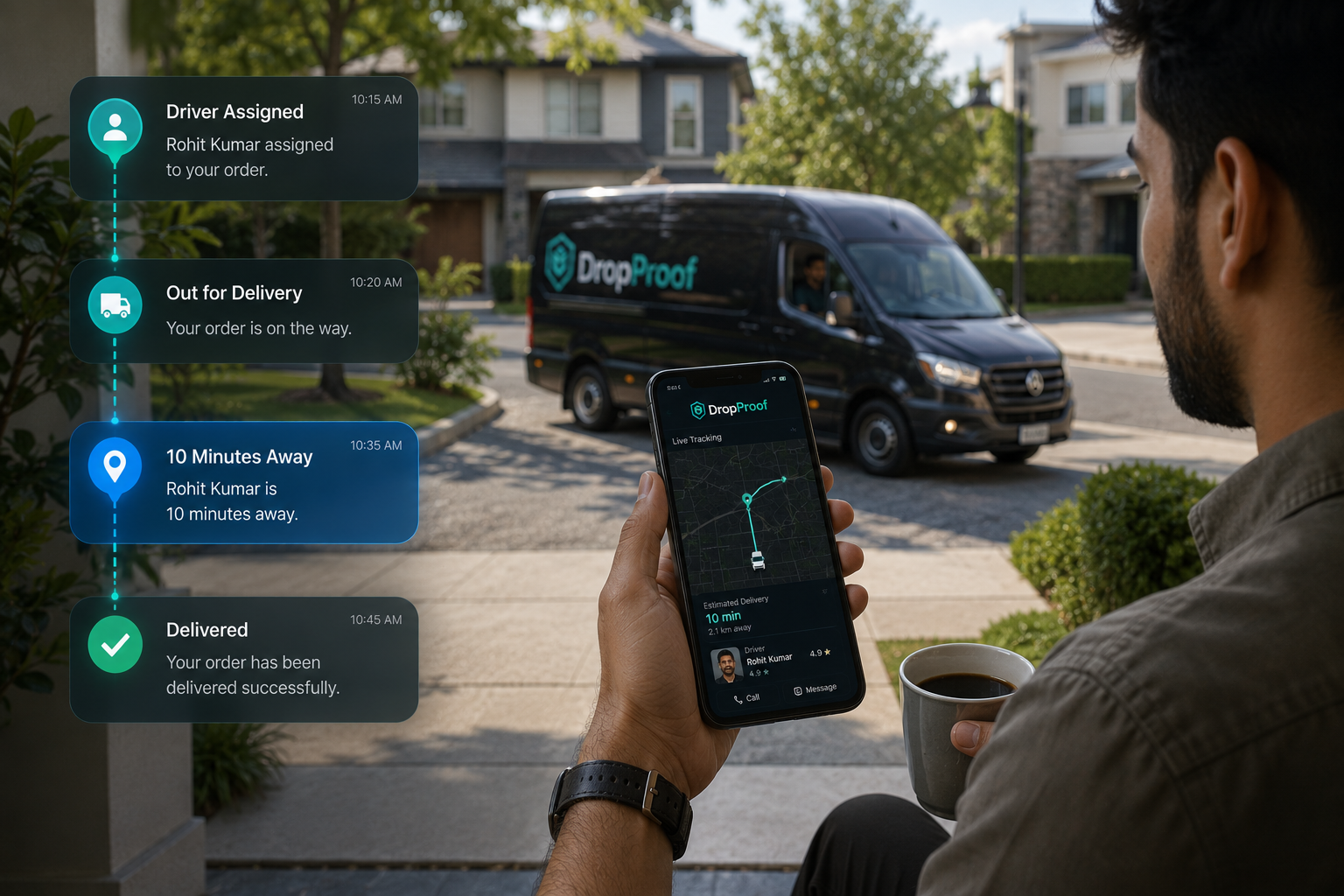
Order Management
Manage delivery orders from creation through completion.
Order intake to delivery
Manage orders from intake to delivery with DropProof. Organize delivery workflows, update orders in bulk, assign drivers, coordinate shipping operations, and connect order data with your delivery network.
The order problem
When order intake and delivery execution live in separate systems, updates must be repeated and teams lose a current view of what should happen next.
Centralized order management
Keep order details, operational changes, assignments, and downstream delivery activity connected.
Manage delivery orders from creation through completion.
Support delivery, pickup, return, exchange, and other configured workflows.
Update multiple orders, assignments, dates, priorities, and delivery windows efficiently.
Keep order information synchronized as delivery operations progress.
Support specialized operational fields and records where available.
Connect orders with the drivers and delivery workflows responsible for completing them.
Order to delivery
Bring orders into DropProof through available workflows or integrations.
Review locations, priorities, requirements, and time windows.
Make individual or bulk changes where required.
Connect orders with drivers and delivery operations.
Drivers execute assigned delivery work.
Monitor delivery status and expected arrival information.
Record completion and available proof.
Order → Organize → Update → Assign → Ship → Track → Complete
Configured workflows
Use the order workflow that matches the operational movement, without presenting DropProof as a warehouse or inventory system.
Manage standard delivery workflows.
Support pickup operations where configured.
Manage return-related delivery workflows where supported.
Support exchange workflows where configured.
Use available custom objects and fields for specialized operational requirements.
Bulk order management
Make one operational change across many orders instead of updating them one by one. Bulk order editing supports assignment, date, priority, delivery-window, and other supported operational changes.
Priorities and delivery windows
Delivery priorities, customer windows, schedules, operating hours, driver availability, and route requirements turn order data into practical planning inputs.
Connect those inputs to route optimization and dispatch management.

Order to driver
Order management becomes more useful when each order can move directly through planning, driver assignment, mobile execution, navigation, status, and delivery confirmation.
Orders → Planning → Assignment → Driver → Route → Delivery
Shipping and delivery visibility
Follow delivery status, live driver activity, ETA visibility, route progress, completion, and trip information after an order enters delivery execution.
Explore delivery tracking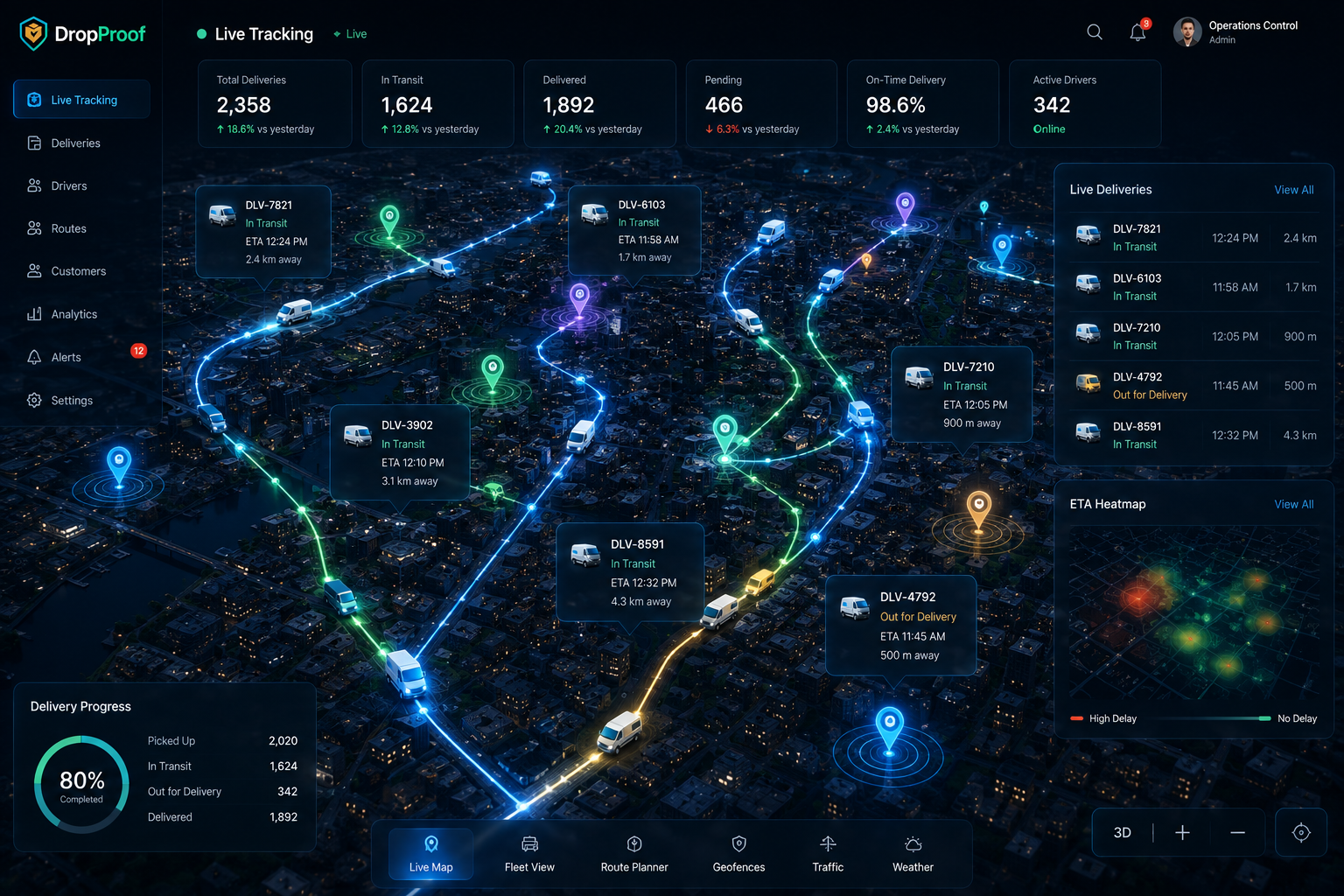
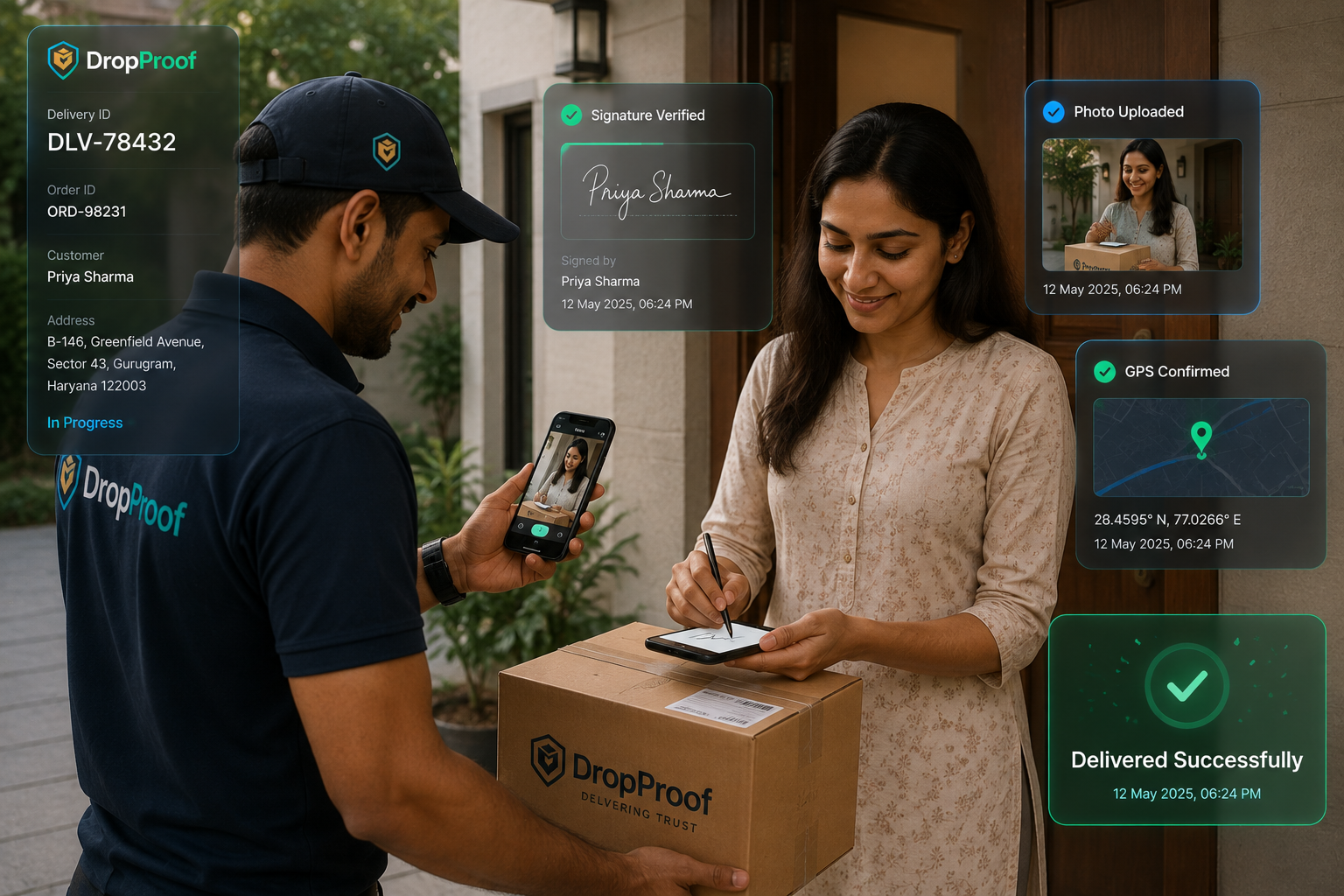
Delivery completion
Record completion and keep configured photos, signatures, OTP verification, and delivery records associated with the delivery workflow.
Explore electronic proof of deliveryIntegrations
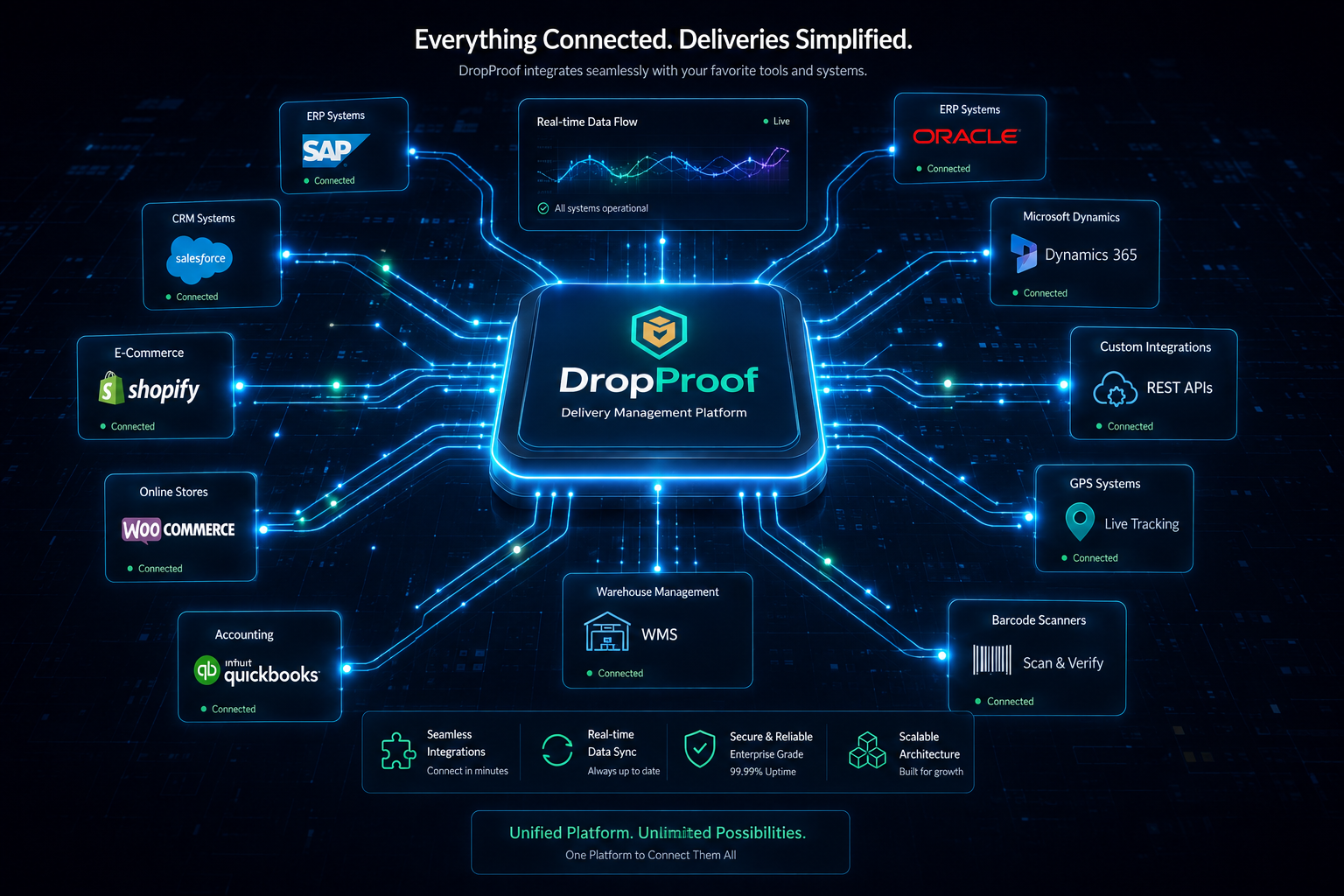
Connect supported ecommerce, ERP, WMS, CRM, accounting, communication, and operational data without presenting DropProof as a replacement for those systems.
Explore IntegrationsConnect external applications directly with DropProof.
Receive supported operational events.
Connect relevant supported business systems.
Support specialized data flows and mappings where available.

Order and delivery analytics
Use delivery outcomes, trip summaries, driver statistics, historical data, custom reports, and supported exceptions to understand order completion and delivery performance.
Operational models
Connect incoming delivery orders with delivery execution.
Manage high volumes of delivery orders and connect them with courier workflows.
Courier managementOrganize orders before they move into routing, dispatch, and delivery.
Last-mile deliveryManage local delivery orders with time-sensitive requirements.
Hyperlocal deliveryOrganize order workflows across teams and depots where supported.
Logistics managementConnected execution
DropProof does not stop at storing an order. It connects order management with delivery execution without claiming to replace a full ERP, WMS, or ecommerce platform.
Connect order intake to a complete delivery management workflow.
Common questions
Order and shipping management software connects delivery order intake, organization, updates, assignment, delivery execution, status, completion, and operational reporting.
Order management organizes the information and workflow around an order. Shipping management coordinates how that order moves through assignment, routing, delivery execution, tracking, and completion. DropProof connects those stages for delivery operations.
Yes. DropProof manages delivery orders from creation through completion, including configured order details, assignments, priorities, dates, windows, and status.
DropProof supports configured delivery, pickup, return, exchange, and other operational workflows. Available fields and steps depend on how the operation is configured.
Yes. Bulk order editing supports changes across multiple orders, including assignments, dates, priorities, delivery windows, and other supported operational updates.
Yes. Delivery orders can be assigned to drivers and made available through the connected driver workflow.
Yes. Delivery windows, scheduling, operating hours, priorities, and driver availability can inform delivery planning and route requirements.
Yes. Once assigned, operations teams can monitor delivery status, live driver activity, ETA visibility, route progress, trip information, and completion.
Yes. DropProof supports delivery confirmation and configured proof such as photos, signatures, OTP verification, timestamps, and available location information.
DropProof supports REST APIs, webhooks, external integrations, and custom synchronization for connecting supported ecommerce and operational systems.
DropProof is focused on delivery order and delivery operations management. It should not be treated as a complete warehouse inventory management system; supported WMS or inventory data can be connected through integrations where available.
Yes, return and exchange delivery workflows can be supported where those order types and operational steps are configured.
Manage orders, assignments, delivery workflows, tracking, and confirmation from one connected platform.
We use cookies to improve your browsing experience, understand site traffic, and provide relevant content. You decide which optional cookies we may use.
Your necessary cookies are always active so the website can work properly.