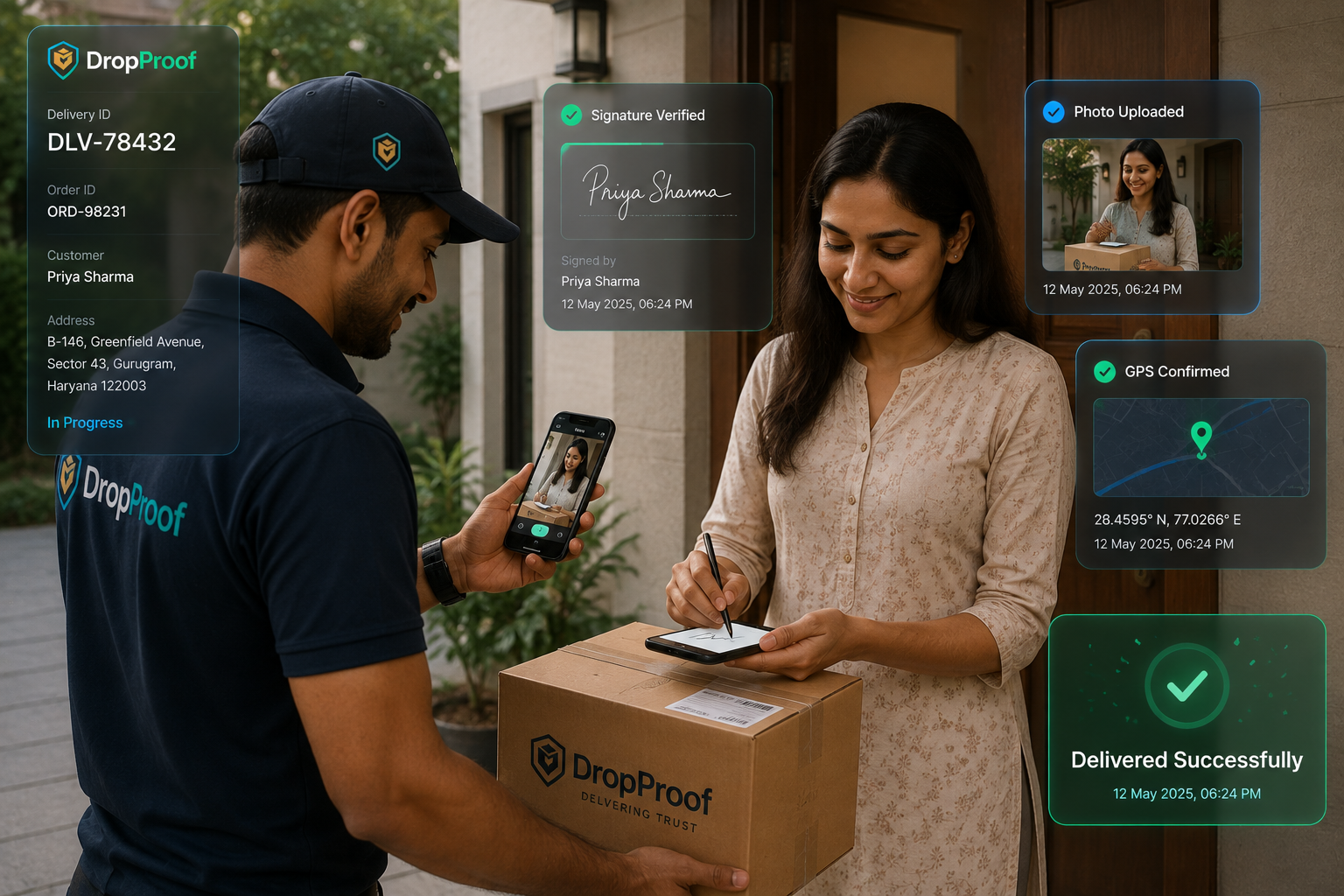
Photo Proof of Delivery
Capture a photo as delivery evidence where the workflow requires it.
Digital delivery confirmation
Replace manual delivery paperwork with digital proof of delivery. DropProof helps drivers capture delivery confirmation, photos, signatures, OTP verification, and delivery records directly from the delivery workflow.
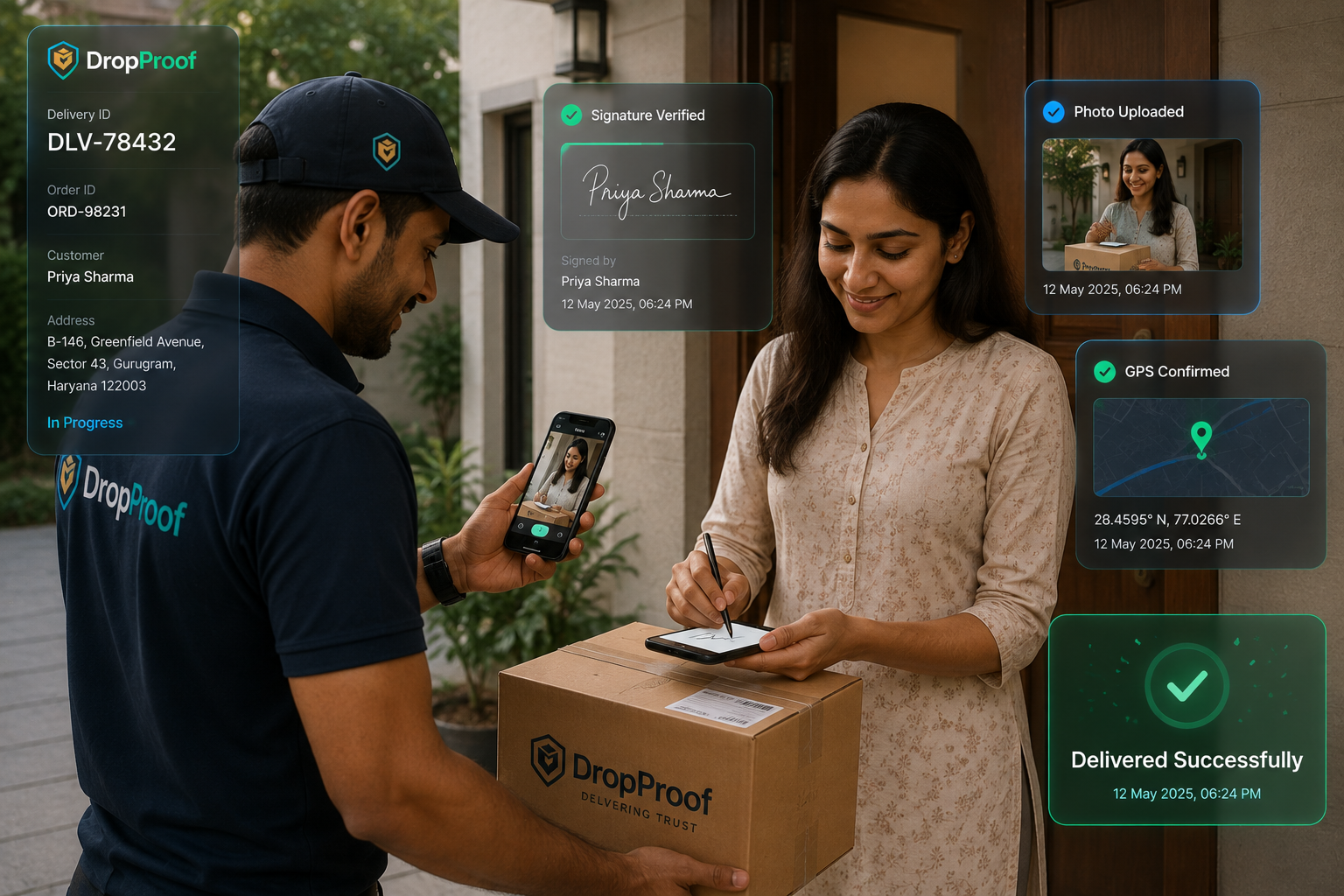
The paperwork problem
Physical receipts create another handoff after the delivery itself. Operations teams must collect, enter, store, and retrieve documents before they can answer a simple delivery question.
ePOD explained
Electronic proof of delivery (ePOD) is a digital record confirming that a delivery was completed. Instead of relying on paper documents, available delivery evidence is captured digitally during the delivery process and connected to the delivery record.
Depending on the configured workflow, proof can include a customer signature, delivery photo, OTP verification, timestamp, location information, delivery status, and order or delivery information. Not every evidence type is required in every workflow.
Doorstep workflow
Proof collection stays inside the normal delivery workflow, from arrival through the stored record.
The driver opens the assigned delivery.
The driver follows the configured delivery workflow.
Capture supported evidence such as a photo, signature, or OTP verification.
The delivery status is updated.
Operations teams review the delivery information and available proof.
Delivery → Capture → Verify → Confirm → Record
Proof options
Capture a photo as delivery evidence where the workflow requires it.
Collect a digital customer signature at the point of delivery.
Use OTP-based verification for delivery confirmation where configured.
Keep delivery events associated with their relevant delivery record.
Use available location information as part of the delivery record.
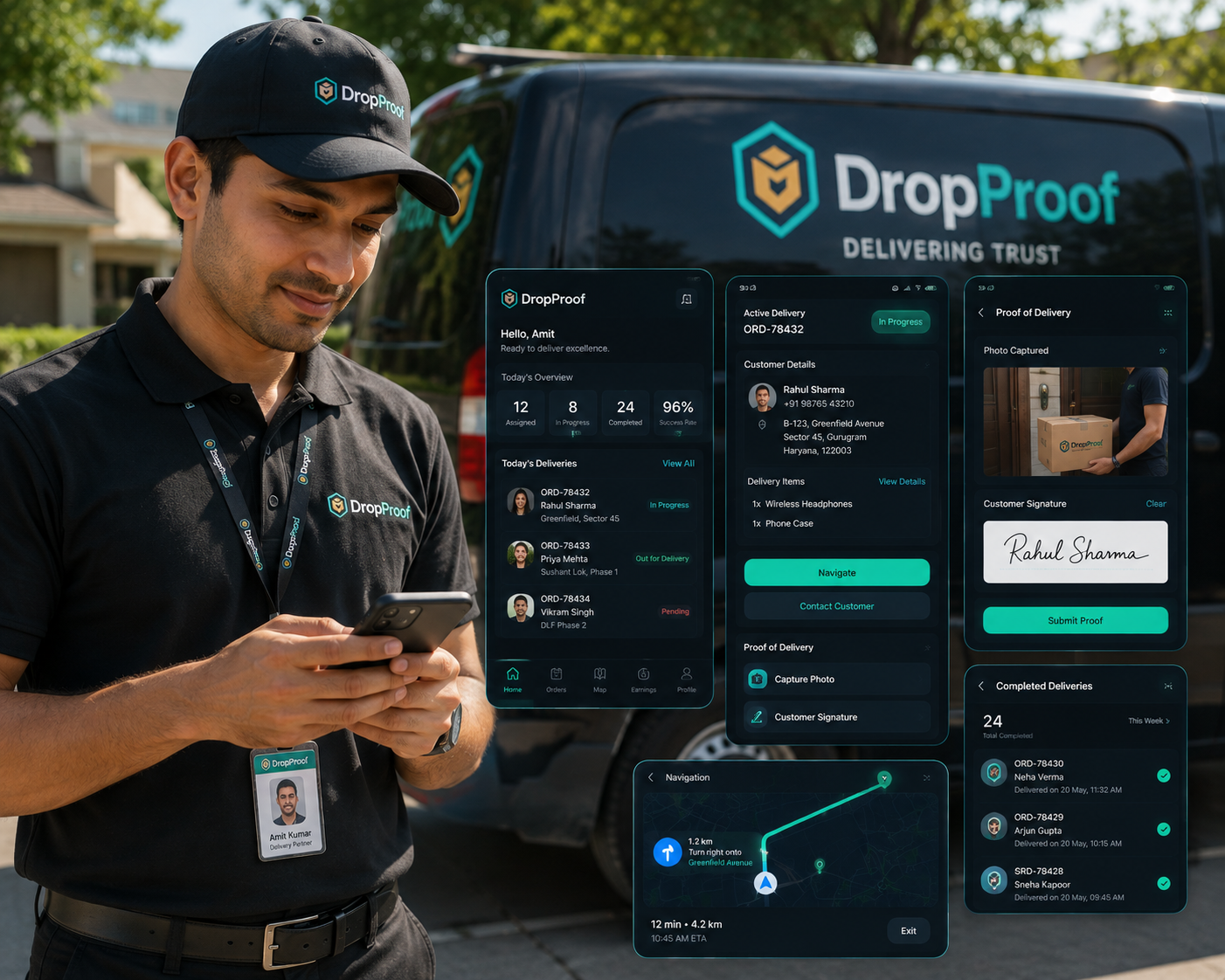
Driver experience
Proof collection is part of the normal driver workflow rather than a separate administrative process. Drivers move from assigned delivery to guided completion, supported evidence capture, and delivery confirmation on mobile.
Operations visibility
Digital delivery records help teams confirm completed deliveries, review available proof, check status, access historical information, answer customer questions, and investigate delivery exceptions.
Delivery questions
When delivery information and available proof stay connected, teams have a clearer starting point for investigating customer questions. ePOD does not eliminate every dispute, but it makes the relevant record easier to find and review.
Was the order delivered?
When was it delivered?
Who confirmed the delivery?
Was a photo or signature captured?
Connected workflow
Delivery evidence remains part of the broader delivery workflow instead of becoming a separate paperwork process.
Connect proof capture with dispatch management, driver execution, and delivery outcomes.

Analytics and history
Use data history, trip summaries, delivery outcomes, exceptions, custom reports, and driver statistics to review operations and answer delivery questions. Retention and evidentiary requirements should be evaluated for each business context.
Delivery use cases
Capture delivery confirmation across courier operations.
Courier managementKeep digital evidence connected to customer deliveries.
Order and shipping managementGive delivery teams a digital workflow for confirming completed stops.
Last-mile deliveryCapture delivery confirmation for local and time-sensitive deliveries.
Hyperlocal deliveryStandardize delivery confirmation across teams and locations.
Logistics managementIntegrations
Use REST APIs, webhooks, external integrations, and custom synchronization to connect supported delivery events with downstream systems.
Explore IntegrationsOperational benefits
Capture delivery completion digitally.
Reduce reliance on physical delivery documents.
Give operations teams access to delivery status and available proof.
Keep delivery information connected to individual deliveries.
Give teams useful delivery information when customers have questions.
More than ePOD
Proof of delivery is part of the delivery workflow, not a separate system.
DropProof connects ePOD with route optimization, drivers, live delivery tracking, and operational reporting.
Common questions
Electronic proof of delivery is a digital record confirming that a delivery was completed. Depending on the configured workflow, it can include a photo, signature, OTP verification, timestamp, location information, delivery status, and order details.
ePOD software lets drivers capture delivery confirmation and supported evidence during the normal delivery workflow, then connects that evidence to a digital delivery record for operations teams.
An ePOD record can include supported photos, customer signatures, OTP verification, timestamps, available location information, delivery status, and order or delivery details. The exact evidence depends on the configured workflow.
Paper proof relies on physical receipts that must be collected, stored, and retrieved manually. Electronic proof captures available delivery evidence digitally and keeps it associated with the relevant delivery record.
Yes. Drivers can capture photo proof where photo evidence is part of the configured delivery workflow.
Yes. DropProof supports collecting a digital customer signature at the point of delivery.
Yes. OTP-based delivery verification can be used where it is configured for the delivery workflow.
Yes. Proof collection is part of the DropProof driver mobile workflow, alongside delivery status and confirmation.
Yes. Operations teams can review delivery status, available proof, and historical delivery information associated with the record.
Yes. DropProof supports REST APIs, webhooks, external integrations, and custom synchronization so supported delivery events can connect with downstream systems.
Legal and evidentiary requirements vary by jurisdiction, industry, contract, and delivery workflow. Businesses should verify the requirements that apply to their operation rather than relying on a blanket legal assumption.
Capture delivery confirmation, photos, signatures, OTP verification, and delivery records with DropProof.
We use cookies to improve your browsing experience, understand site traffic, and provide relevant content. You decide which optional cookies we may use.
Your necessary cookies are always active so the website can work properly.