How to Automate Transportation Planning with a Transport Management Solution
Transportation planning is a vital component of logistics. It involves coordinating a lot of moving parts - vehicles, drivers, schedules, routes, shipments, and customer needs. And on top of all that, businesses need to keep costs in check. When you're relying on spreadsheets, phone calls, and manual calculations to get everything done, planning can quickly become a nightmare, especially as your operations start to grow.
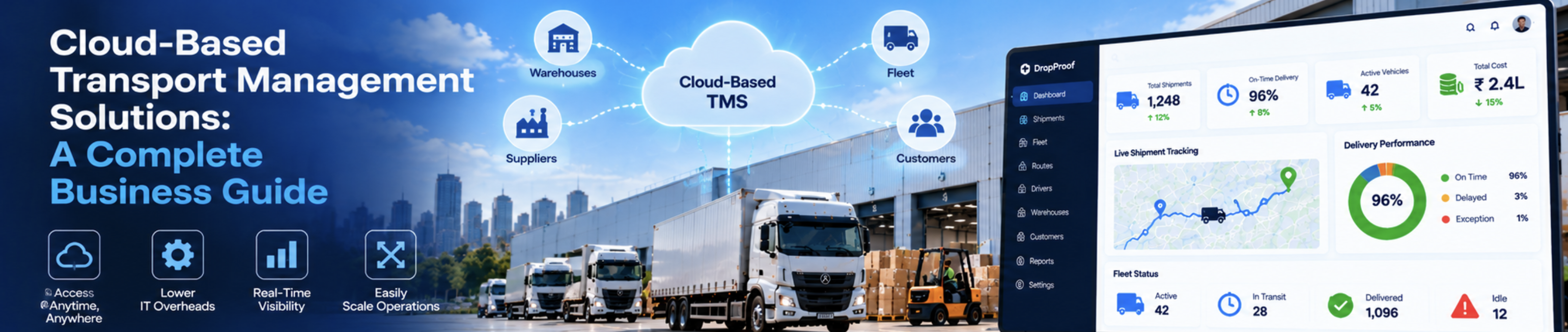
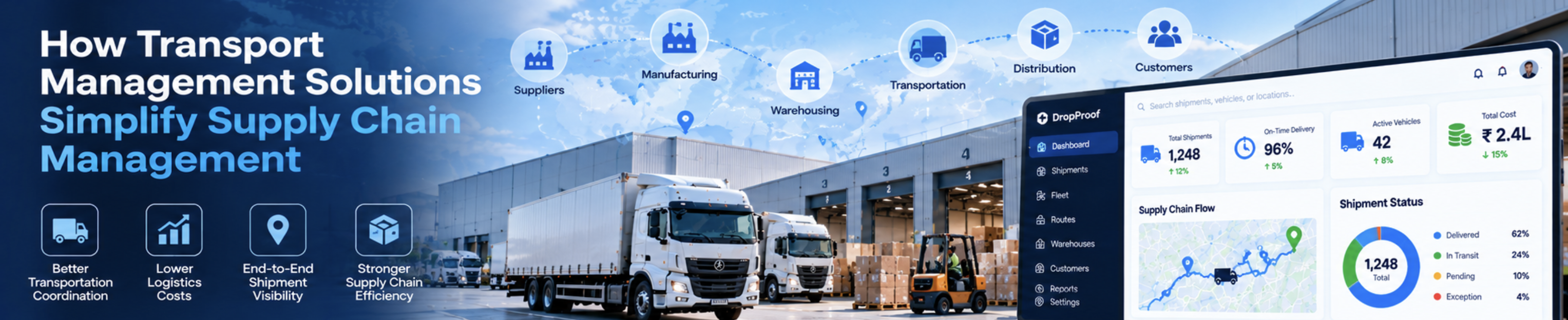
A good transport management Solution can really help companies get their transportation activities in order. It uses digital workflows to make things more efficient. Depending on what features it has, the system can help with planning the best routes, assigning vehicles, scheduling dispatches, tracking shipments, creating reports, and even communicating between different teams.
This can make a big difference in how well a company's transportation operations run. By streamlining these activities, businesses can save time and money, and even provide better service to their customers.
Automating transportation planning isn't about taking people out of the decision-making process. It's more about cutting down on routine tasks and making it easier for teams to get the information they need.
This way, they can make smarter choices. By doing so, transportation teams can focus on the important stuff and make decisions that really matter.
In this guide, we explain how to automate transportation planning, which processes to prioritize, what features to evaluate, and how to introduce automation into your logistics operations.
What Is Transportation Planning Automation?
Transportation planning automation is the use of digital tools and predefined workflows to simplify the process of moving goods from one location to another.
Traditional planning often requires employees to collect shipment information, assign vehicles, calculate routes, contact drivers, update schedules, and communicate delivery changes manually.
By using a transport management system, companies can manage many tasks from one place. Some tasks can be done automatically, while others can be helped with suggestions, warnings, and step-by-step guides.
This makes it easier for businesses to control their transportation activities.
A logistics coordinator can use special software to manage deliveries. They can look at all the requests, group similar shipments together, choose the right vehicles, plan the best routes, and make schedules for the drivers. This way, they don't have to keep track of lots of separate spreadsheets. It makes their job easier and helps them get everything done on time. The objective is to make transportation planning more consistent, visible, and manageable.
Why Do Businesses Need to Automate Transportation Planning?
Manual transportation planning may be manageable when a business handles only a few shipments each day. However, as order volumes increase, coordinating every movement manually becomes more challenging.
Common problems include:
Time-consuming planning:
Employees repeatedly enter shipment information and update schedules.
Inefficient routes:
Routes may be planned without considering delivery locations, vehicle capacity, traffic, or delivery time windows.
Poor vehicle utilization: Some vehicles may be overloaded while others remain underutilized
Communication gaps: Drivers, dispatchers, warehouse teams, and customers may work with different information
Limited visibility: Managers may struggle to identify shipment delays or dispatch problems quickly.
Inconsistent records: Manual updates can result in duplicate entries, missing information, and reporting errors
Increasing operational costs: Inefficient routes, unnecessary trips, and poor resource allocation can increase transportation expenses.
A transport management solution can help address these challenges by standardizing workflows and reducing repetitive administrative tasks.
10 Ways to Automate Transportation Planning
1. Centralize Shipment and Order Information Teams need to know what must be delivered, where it is going, when it needs to arrive, and which handling requirements apply.
When information is scattered across emails, spreadsheets, messaging applications, and paper documents, planners spend valuable time collecting and verifying details.
A transport management solution can provide a centralized place to manage shipment records and planning information. Having all the information in one place saves time and effort by avoiding unnecessary data entry.
This also provides planners with a consistent foundation for making transportation decisions, which can lead to more efficient and effective outcomes.
Example: A distribution business receives delivery requests from multiple customers. Instead of combining information manually from different spreadsheets, its team uses a shared system to review shipment details and prepare the day's delivery plan.
2. Automate Vehicle Allocation Vehicle allocation involves selecting suitable vehicles for shipments based on capacity, availability, location, and operational requirements. Manual allocation becomes difficult when a business manages several vehicles, multiple delivery locations, and changing order volumes. Transportation software can help planners compare available vehicles against shipment requirements. More advanced platforms may recommend or automatically assign vehicles using configured rules. Driver availability and working schedules Automated allocation should still account for business rules and exceptions. A recommendation is only useful when the underlying vehicle and shipment information is accurate. Business Benefit: Better allocation can improve vehicle utilization, reduce avoidable trips, and help teams distribute workloads more effectively.
3. Improve Route Planning and Optimization Route planning is one of the most important areas of transportation automation. When planning routes, people might miss other options like different roads or delivery orders. They might not think about how far apart places are or rules for certain vehicles. Traffic can also change, and they might not consider that either. Route planning tools can help organize stops and identify efficient travel options. For example, a vehicle delivering to ten locations may follow a sequence that creates unnecessary backtracking. A route optimization tool may suggest a different stop order that reduces unnecessary travel. However, the shortest route is not always the best route. Delivery deadlines, road restrictions, customer availability, and vehicle capacity also influence the final decision. Businesses should evaluate whether their chosen transport management software supports the routing requirements of their operations.
4. Automate Dispatch Scheduling Dispatch scheduling determines which shipments should leave, which vehicles should handle them, and when each trip should begin. Without a structured process, dispatchers may rely on repeated calls, manual checklists, and last-minute coordination. A transport management solution can help organize dispatch activities through centralized schedules, shipment assignments, status updates, and notifications. Depending on the system's capabilities, dispatch automation may include Automation helps reduce the time spent coordinating routine dispatch activities. It also makes it easier for managers to review what has been planned and identify tasks that remain incomplete.
5. Connect Driver and Delivery Coordination Transportation plans must be communicated clearly to the people responsible for carrying them out. When drivers get old addresses or last-minute changes through different channels, it can cause problems even if they had a good plan for their route. This can lead to delays, which is frustrating for everyone involved. A suitable transportation management platform may support driver coordination through mobile access, digital trip details, delivery instructions, notifications, or status updates. These features help keep operational information consistent between dispatchers and drivers. For example, if a delivery address changes, a centralized workflow can help the dispatcher communicate the update and maintain a record of the revised instructions. The workflow can vary depending on the specific software and whether it includes tools that interact with the driver.
6. Use Real-Time Shipment Visibility A transportation plan is not complete when a vehicle leaves the warehouse. Teams also need to understand whether shipments are progressing as expected. Without reliable updates, managers may discover delays only after customers raise concerns. Shipment visibility features can help teams monitor delivery progress using available status updates, tracking integrations, or vehicle location data. This ability to adapt helps transportation teams react faster when things don't go as planned. When it comes to tracking shipments, there's a big difference between getting basic updates on the status of a shipment and being able to see exactly where a vehicle is in real-time using GPS. For companies that need to know where their vehicles are at all times, it's crucial to choose a solution that can handle this kind of live tracking. This means checking that the system can work with the necessary hardware or mobile devices to provide the level of detail they need.
7. Automate Transportation Documents and Records Transportation operations often involve trip sheets, delivery records, shipment references, invoices, and proof-of-delivery documents. Creating and maintaining these records manually can increase administrative workload and make it difficult to retrieve information later. A transport management solution may help generate, store, or organize transportation documents using information already recorded in the system. Digital records can also support internal reviews, customer queries, and transportation cost analysis. When choosing software, first figure out what kind of documents your business needs to have. Then, check if the platform can create or manage these documents in the format you need. This will help you pick the right tool for your business.
8. Automate Alerts and Exception Handling Things don't always go as planned when it comes to shipments. For example, a truck might break down, or the customer might not be available to receive the delivery. Traffic can also cause delays, and sometimes the delivery details need to be changed. This can be frustrating, but it's just a reality of the shipping process. Manual processes often depend on employees noticing a problem and informing everyone involved. A transport management solution can help by using alerts, status rules, and exception workflows where those features are supported. The system has the ability to send a notification to the right team or mark the issue so it can be looked at later. Automation should make exceptions easier to identify rather than simply sending more notifications. Configure alerts around events that require action, and establish clear responsibility for resolving them.
9. Automate Transportation Reporting Transportation managers need reliable information to understand how efficiently their operations are performing. Preparing reports manually can take considerable time, especially when shipment, vehicle, and cost data are maintained in separate systems. A transport management solution may provide dashboards or reports that help teams review operational performance. You can't always get every piece of information you need right away. Sometimes, you have to connect other tools or collect more data to get what you're looking for. Other times, you have to do some calculations using the data you already have from your operations. To make good choices, we need to pick the right measurements. Let's say deliveries are getting delayed more often - in that case, managers should look into how routes are planned, when dispatches are scheduled, if there are enough vehicles, and if there are any repeated issues with deliveries. By doing so, they can figure out what's going wrong and fix it. This way, they can make informed decisions that actually help solve the problem. Reporting transforms transportation data into information that supports continuous improvement.
10. Integrate Transportation Planning with Other Business Systems Transportation planning does not operate independently. It often depends on information from order management, warehouse operations, inventory systems, billing platforms, and customer relationship management tools. When these systems are disconnected, employees may need to copy information manually between applications. Integrations can help reduce this duplication and keep relevant records aligned. Depending on business requirements and software compatibility. For example, an order management system may provide shipment details that are then used to prepare transportation plans. Delivery status information may subsequently be shared with customer service or billing teams. Before implementing an integration, confirm which system owns each data field, how updates are synchronized, and what happens when an integration fails. A well-designed integration reduces manual work without creating confusion about which system contains the authoritative information.